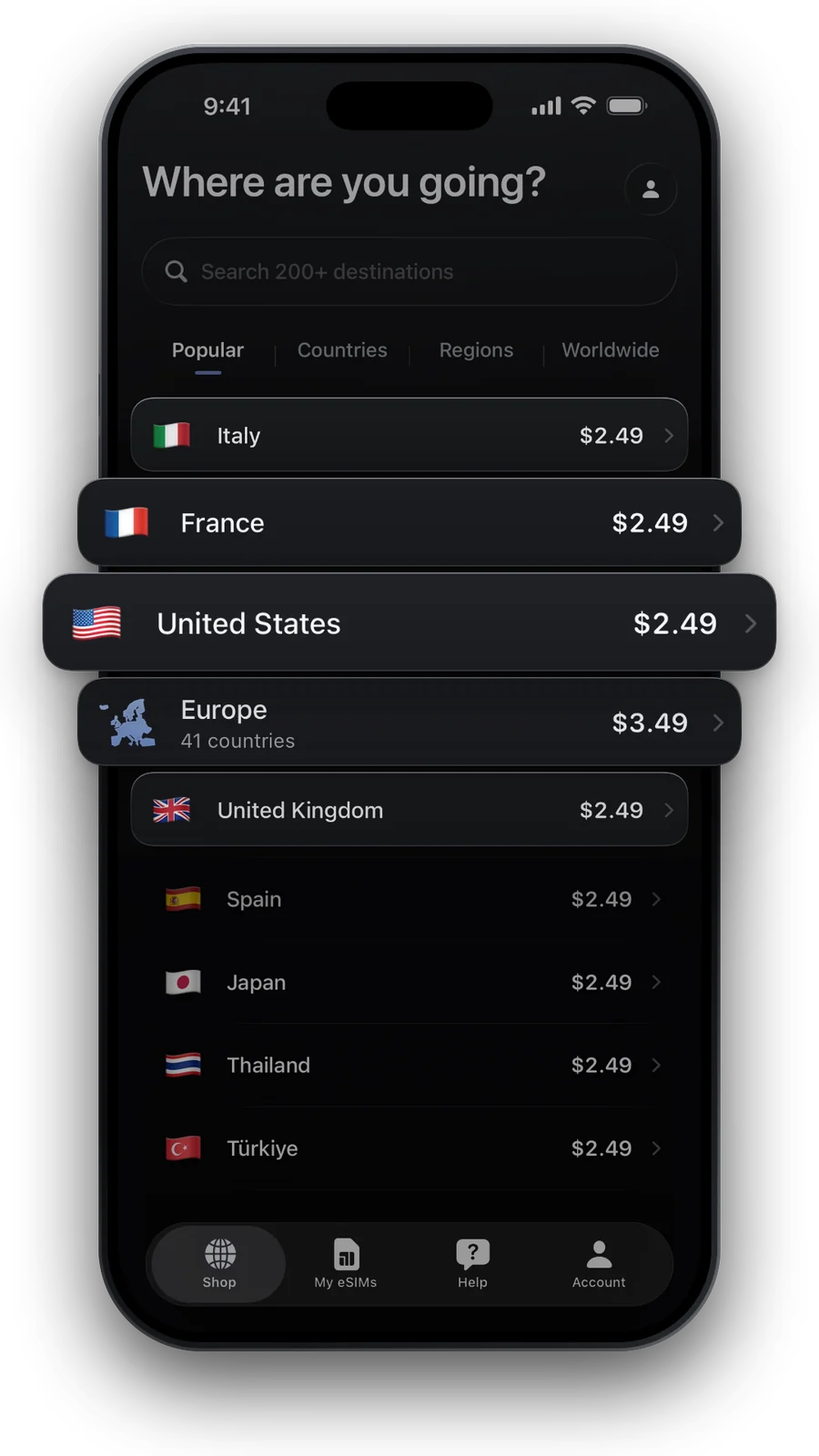
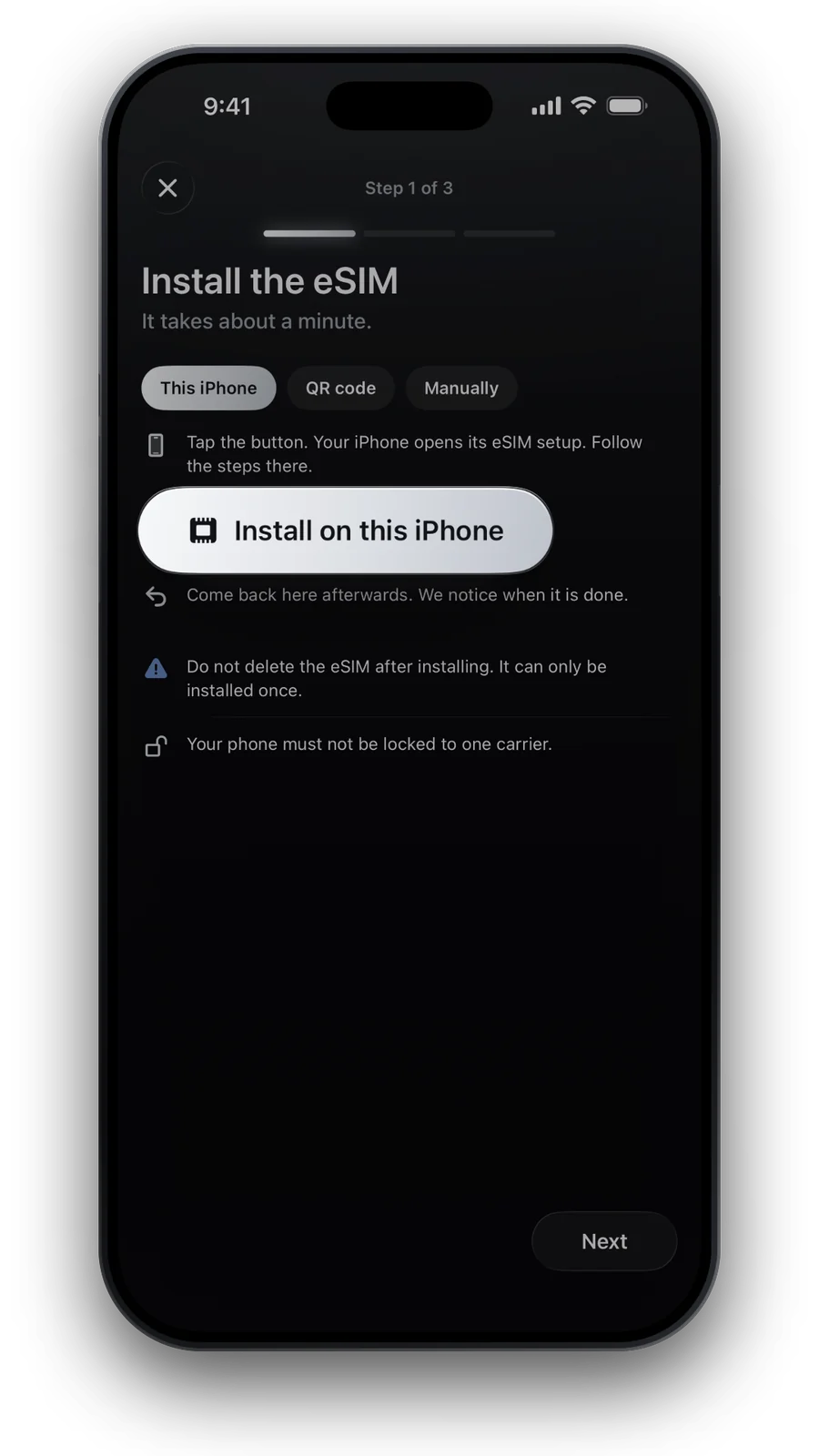
Which plan covers Chiang Mai?
A Thailand plan. Chiang Mai is in the north of Thailand, and one plan works from Chiang Mai to Bangkok, Phuket and the islands, so you can extend a trip without buying again. The networks it uses, and whether 5G is on, come live from our catalogue below.
- Networks for ThailandAIS, DTAC, True Move and TrueMove H
- Speed5G on AIS, DTAC and TrueMove H, 4G/LTE on True Move.
- Internet runs viaSingaporeDepending on the plan. Banking or streaming apps may treat you as being there.
The old city, Nimmanhaemin and the main roads are well served. Mountains, national parks and remote villages are where a signal can drop.
Coverage around Chiang Mai
Where your phone stays online, and where to prepare:
- Old City and Nimmanhaemin: cafés, temples and night markets are well covered. Grab and delivery apps work here.
- Doi Suthep and Doi Inthanon: the road up has signal in most places, but it can weaken near the summits and on the walking trails.
- Elephant sanctuaries and day tours: many lie outside the city, where signal varies. Keep your booking and the pick-up time saved offline.
- The road to Pai: there are gaps on the bends between villages. Download the route before you set off.
Night markets draw big crowds that can slow data. Save your map and your hotel address before you go.
Arriving at Chiang Mai International Airport
Chiang Mai International Airport (CNX) is close to the old city, a short taxi or Grab ride away. Your eSIM is ready before the plane lands, so arrival takes four steps.
- Switch it on after landing
Once you land, leave airplane mode, enable data roaming on the eSIM line and make it the mobile data line. Your home SIM keeps the calls.
- Open your map app
Search for your hotel in the old city or Nimmanhaemin. A downloaded map also works without a signal.
- Order a ride
Grab shows the fare and the route before you book. The red songthaew trucks are shared taxis: agree the fare before you get in.
How much data for Chiang Mai
Maps, messages and ride apps use little. Photos, video calls and music add up, and days in the hills are long. For a week or two, see how much data you need, then pick a size below.
| What the phone does | |
|---|---|
| Getting around | Grab, maps and tour pick-up messages: a small amount each day |
| Temples and markets | Photos and short videos: upload on Wi‑Fi to save data |
| Day trips | Bookings, a map and messages to your guide |
| Evenings | Restaurant search, reviews and messages home |
What you will use data for on a typical trip.
Prefer a daily allowance? 1 GB per day · 7 days for €12.49: full speed up to 1 GB a day, then 512 Kbps until the next day.
Picked like in our shop: the cheapest plan with about 0.7 GB a day. Live prices for Thailand.

Good to know in Chiang Mai
- Grab works in Chiang Mai. See the Thailand eSIM guide for networks and for how local SIM registration works.
- LINE is the messaging app many Thai hotels, shops and tour operators use. Install it and sign in at home.
- Data only: the eSIM has no Thai phone number. Some apps ask for a local number at sign-up, so create the accounts you need at home.
- Keep your own SIM for calls and bank codes. See Dual SIM on iPhone.
Going on from Chiang Mai
The same plan works in Bangkok, Phuket and the islands, see the Bangkok guide and the Thailand eSIM guide. Heading to Laos, Vietnam or Cambodia? A Thailand plan stays in Thailand, so look at the Southeast Asia eSIM guide.
Questions and answers
Do I need a separate eSIM for Chiang Mai?
No. Chiang Mai is in Thailand, so a Thailand eSIM covers it, along with Bangkok, Phuket and the rest of the country.
Does the eSIM work in the old city and on Doi Suthep?
In the old city and on the main road up, yes. Near the summit and on the trails the signal can weaken, so download a map first.
Can I install the eSIM before I land in Chiang Mai?
Yes, install it at home over Wi‑Fi and switch it on after landing. That way you can book a ride from the arrivals hall. Most plans begin with the first local connection.
Does Grab work in Chiang Mai?
Yes, Grab works in the city. It needs a data connection, which the eSIM gives you. The red songthaew trucks are the other common way to get around.
Do I get a Thai phone number with the eSIM?
No. The plan is data only. Your own SIM keeps your number for calls and texts.
Updated 24 Oct 2026 · checked against our live catalogue
How we check our data · Prices and plans come live from our catalogue; facts come from official sources, listed where we use them.