

The South Korea travel apps worth installing
VISITKOREA lists these apps for visitors. Most are available in English, many also in Japanese and Chinese.
| What for | Good to know | |
|---|---|---|
| Naver Map | Maps and routes | Korean, English, Japanese, Chinese |
| Papago | Translation | Text, images, handwriting, speech |
| k.ride | Taxis for visitors | English, Japanese, Chinese; no KakaoTalk account |
| Let's Korail | KTX and train tickets | Korean, English, Japanese, Chinese |
| Mobile Tmoney, WOWPASS | Transit card and payments | Use on buses and the subway |
| Emergency Ready app | Alerts, shelters, hospitals | 22 languages |
VISITKOREA, helpful apps and ride-hailing apps, November 2026.
Maps and taxis in Korea
VISITKOREA calls Naver Map the most widely used online map among Koreans. For taxis it lists k.ride, built for foreign visitors, and Kakao T, which needs a Kakao account made through KakaoTalk.
All taxi options compared: Uber in Korea and taxi apps.
Free Wi-Fi in Seoul
Seoul's city government runs 35,318 public Wi-Fi units on buses, at bus stops, in parks and markets. It plans better Wi-Fi in Myeong-dong, Seongsu and the Hangang Parks. Handy, but it stops when you leave the hotspot.
Why South Korea travel apps need mobile data
Naver Map, k.ride, Papago and Korail all load live information: routes, prices, tickets and messages. In South Korea that means you need data from the moment you land, not only in the hotel.
| Rough data use | |
|---|---|
| Map navigation, one hour | about 5 MB |
| Messages and voice calls, one hour | about 40 MB |
| A travel day with maps, rides and messages | about 0.7 GB |
Per hour: a mobile operator's estimates (March 2026). Per day: the planning figure our shop uses.
Travel eSIM, roaming or a local SIM in South Korea?
Travel apps in South Korea need data from the moment you land. There are three ways to get it, and they differ mainly in when you are online and what you have to do:
| When you are online | Good to know | |
|---|---|---|
| Travel eSIM | On landing, installed at home | Data only; your own number stays on your SIM |
| Roaming with your own SIM | On landing | Check your provider's price before you go |
| Local SIM card | After you buy it in South Korea | Often needs a passport and a shop visit |
Get data for South Korea before you fly
- Check that your phone supports eSIM and is not locked: eSIM compatible phones.
- Pick a plan for your destination below.
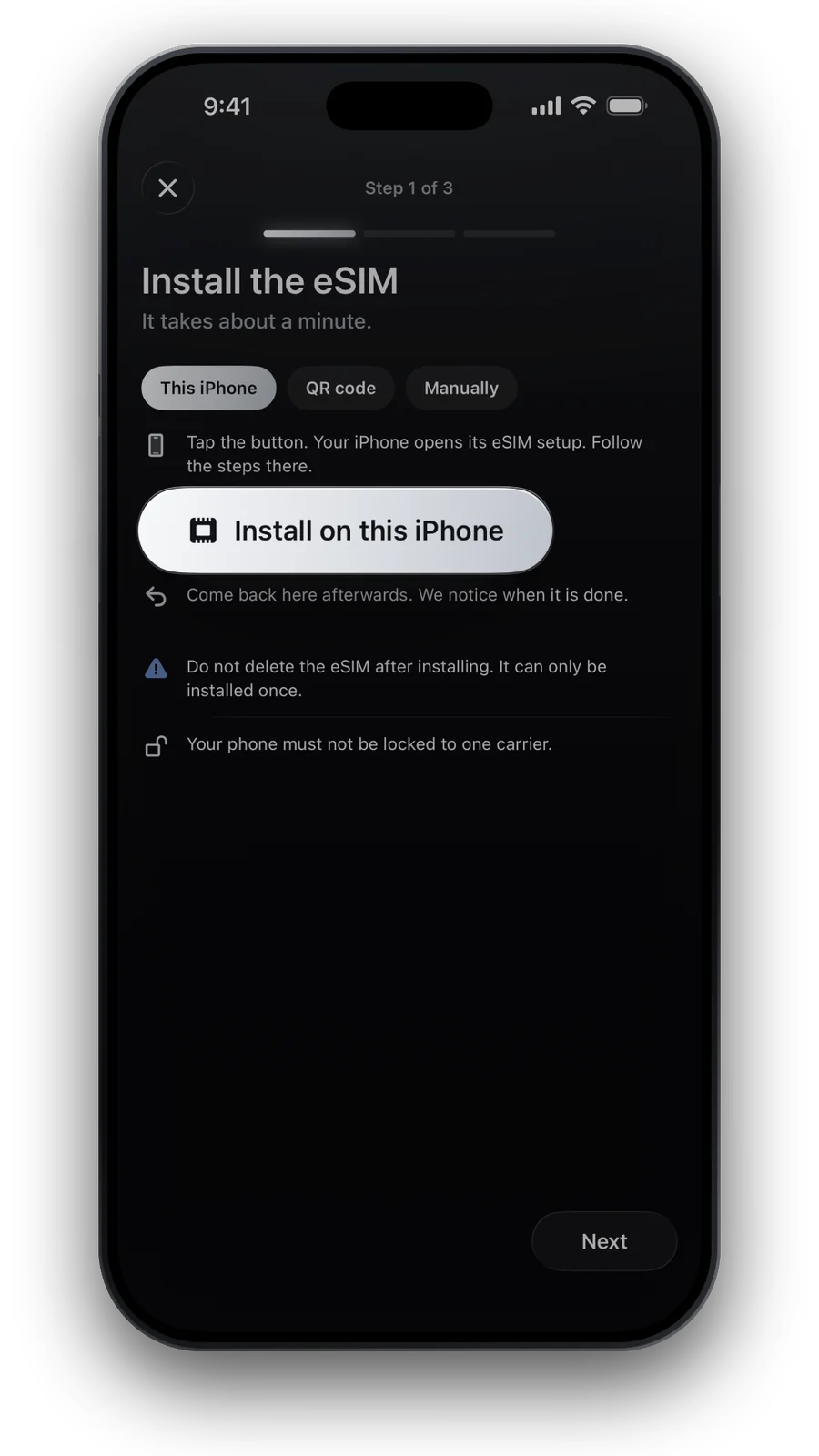
- Install it at home over Wi-Fi: tap Install in the app or scan the QR code.
- After landing, switch on data roaming for the eSIM line.
- Most plans start when your phone first connects there.
Prefer a daily allowance? 1 GB per day · 7 days for $10.49: full speed up to 1 GB a day, then 512 Kbps until the next day.
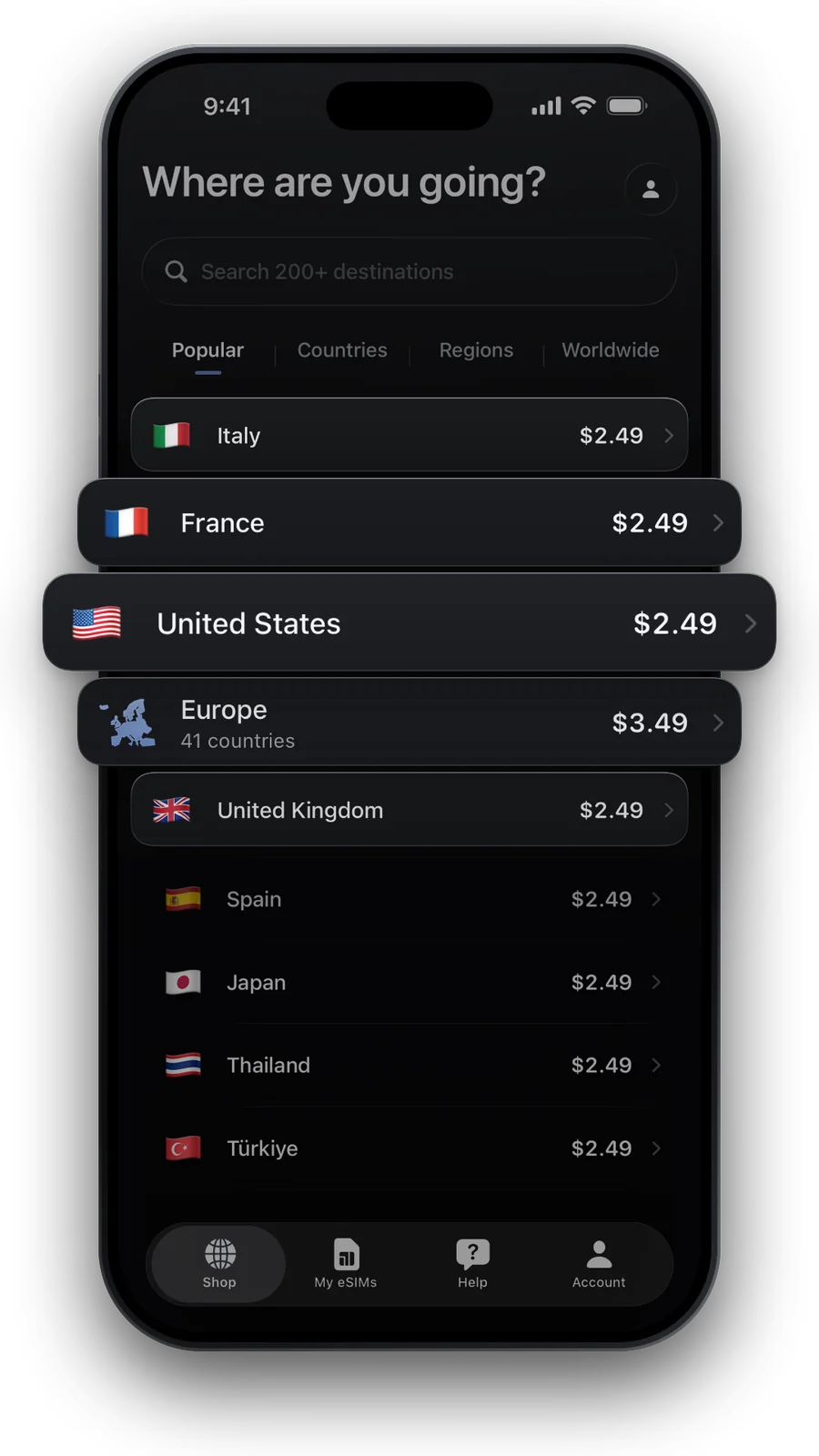
Picked like in our shop: the cheapest plan with about 0.7 GB a day. Live prices for South Korea.

Questions and answers
What apps do I need for Korea?
VISITKOREA lists Naver Map, Papago, k.ride, Let's Korail, Mobile Tmoney, WOWPASS and the Emergency Ready app.
Is Naver Map better than Google Maps in Korea?
VISITKOREA calls Naver Map the most widely used online map among Koreans and lists it in English, Japanese and Chinese.
Which taxi app should tourists use in Korea?
k.ride is made for visitors: no KakaoTalk account, own credit card, auto-translation.
Is there free Wi-Fi in Seoul?
Yes. Seoul runs 35,318 public Wi-Fi units, but you lose them as soon as you walk on, so maps and taxis still need mobile data.
Does the eSIM come with a phone number?
No. Our plans for South Korea are data only. Register apps that send SMS codes with your own number before you leave.
Updated 18 Nov 2026 · checked against our live catalog
How we check our data · Prices and plans come live from our catalog; facts come from official sources, listed where we use them.
Sources: VISITKOREA: helpful apps and resources · VISITKOREA: ride-hailing apps in Korea · Seoul Metropolitan Government: public Wi-Fi policy (15 April 2026) · StarHub: how much data do apps use (10 March 2026)