

Wifi on Marella Cruises
- ShipsWifi on all Marella ships
- WhereOnly in some public areas, not in cabins
- CostCharged to your cabin account at the rate shown on board
Sea days: wifi or nothing
Far from the coast there is no land network. Your phone can only reach the internet over the ship's wifi or a satellite mobile network, and the EU says its roaming price caps do not apply to satellite connections on ships.
Put your phone in flight mode on sea days and switch wifi back on only if you bought access. That way it cannot roam on a satellite network by itself.
Port days: land data with an eSIM
If your cruise calls in Spain, Italy, Greece, Portugal or Croatia, one Europe eSIM covers every stop. For winter sailings in the Caribbean, a Caribbean eSIM is the better fit.
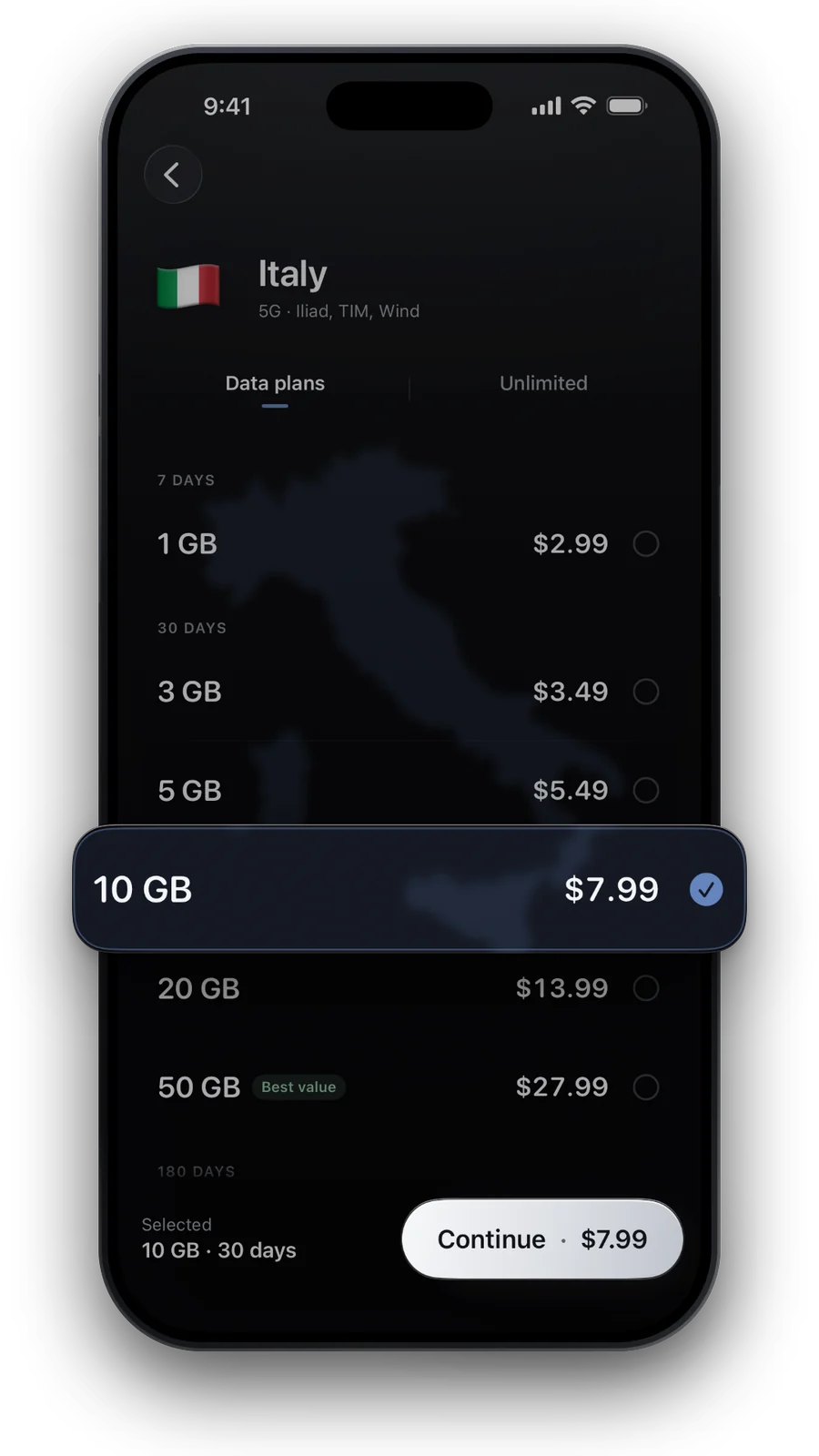
Prefer a daily allowance? 1 GB per day · 7 days for €17.99: full speed up to 1 GB a day, then 384 Kbps until the next day.
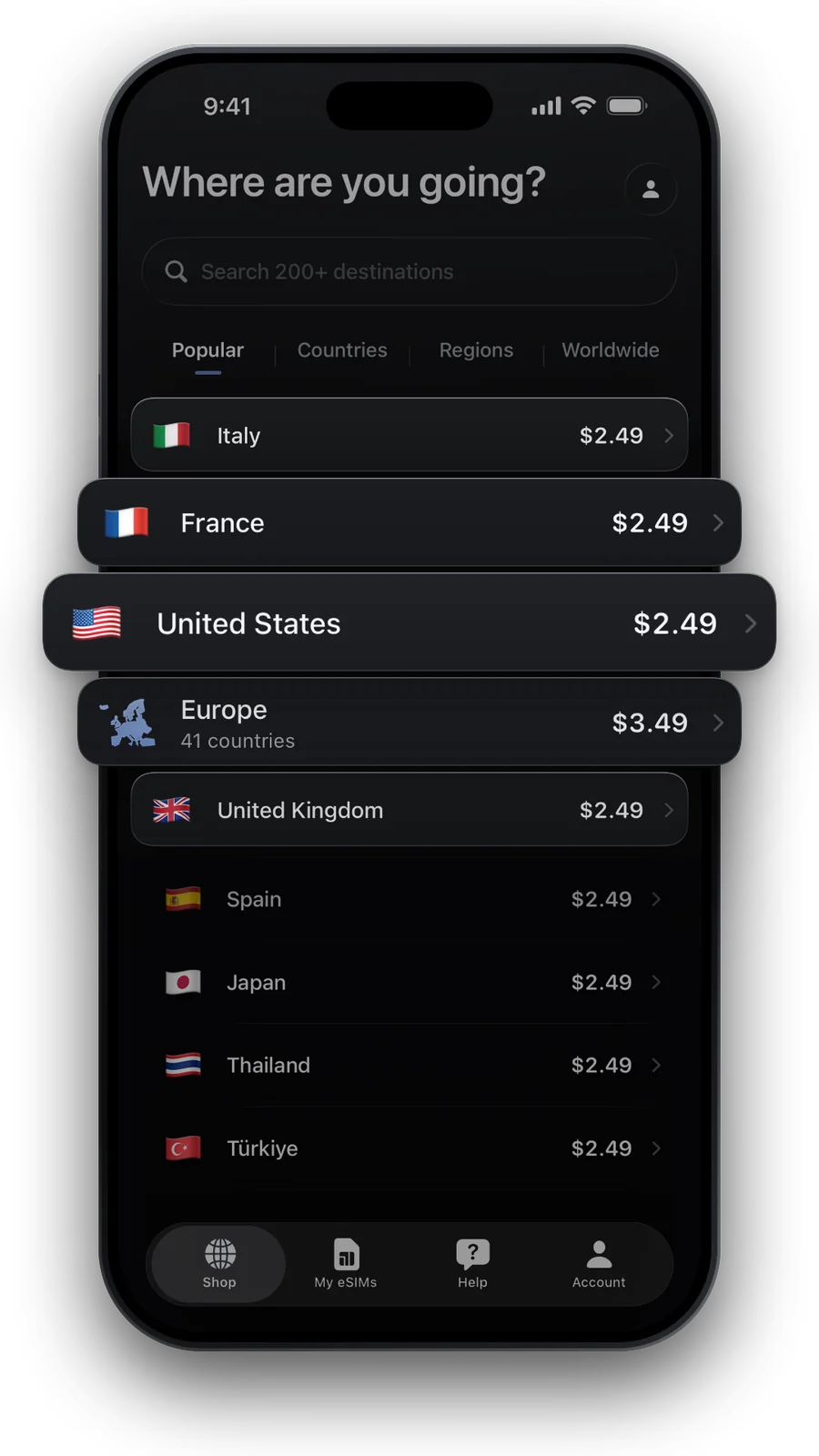
Picked like in our shop: the cheapest plan with about 0.7 GB a day. Live prices for Europe.
Your UK SIM on a Marella cruise
Some UK plans include roaming in EU countries, so your own SIM may work in Spanish or Greek ports. It does not cover the ship's satellite network. A travel eSIM is useful when your plan charges per day abroad, or when a port is outside your roaming zone, for example in Morocco or Türkiye.
| Travel eSIM | UK SIM roaming | Ship wifi | |
|---|---|---|---|
| Sea days | No signal | Satellite rates, no cap | Yes, public areas |
| Port days | Local network | Depends on your plan | Near the ship, at best |
| Cost known in advance | Yes, paid once | Check your plan | Rate shown on board |
Families and groups on a Marella cruise
- Meet up without signal: agree on a fixed meeting point on board, because phones in flight mode cannot call each other at sea
- Ship wifi in public areas: plan calls home from a lounge, not from the cabin
- Share data in port: one eSIM with a hotspot can cover a child's tablet for a few hours, see eSIM hotspot
- Save the excursion meeting time in your calendar, so it is there offline
Set it up before you fly to the ship
- Check your phone: eSIM compatible phones.
- Install the eSIM at home over wifi.
- On board: flight mode on sea days.
- In port: switch the eSIM line and its data roaming on.
- Keep your UK SIM in for texts, with data roaming off.
Questions and answers
Is wifi free on Marella Cruises?
No. TUI says internet access is charged to your cabin account at the rate advertised on board.
Can I use wifi in my cabin on a Marella ship?
No. According to TUI, wifi is only available in some public areas, not in cabins.
Does my eSIM work on the ship?
Only near the coast and in port, where it reaches a land network. At sea it has no signal.
Is Marella the same as Mein Schiff?
Both belong to the TUI world, but Mein Schiff is the German line with its own wifi rules: Mein Schiff wifi or eSIM.
How much data for a week of port days?
Maps, messages and photos on four or five port days usually fit in 3 to 5 GB.
Will I pay roaming at sea without noticing?
It can happen if data roaming is on when the ship uses a satellite network. Flight mode or roaming off prevents it.
Updated 18 Nov 2026 · checked against our live catalog
How we check our data · Prices and plans come live from our catalog; facts come from official sources, listed where we use them.
Sources: TUI UK: Is wifi available onboard my Marella Cruise? · Your Europe: mobile roaming costs