

Does WhatsApp work in Thailand?
Yes. Freedom House's 2025 report on Thailand lists no blocked social media and names no blocked messaging app. Some websites are blocked there, but WhatsApp chats and calls work normally.
LINE in Thailand
LY Corporation calls LINE the No. 1 messaging app in Thailand, with 54 million monthly users as of March 2026, about 81.8 per cent of the population.
- Island boat tours and dive shops often confirm bookings on LINE.
- Hotels may send you a LINE QR code at check-in.
- Install LINE before the trip so you can add contacts on the spot.
How much data WhatsApp uses in Thailand
WhatsApp messages, photos and calls in Thailand all run over mobile data or Wi-Fi. A mobile operator's estimates for messaging apps give a feel for how far a plan goes:
| Rough data use | |
|---|---|
| Messages and voice calls, one hour | about 40 MB |
| One-to-one video call, one hour | about 250 MB |
| Group video call, one hour | about 500 MB |
Estimates per hour from a mobile operator, March 2026. Real use depends on photos, video quality and call length.
More on this: how much data WhatsApp uses.
Using WhatsApp on your trip to Thailand
- Keep your home number on WhatsApp: the app does not change when you add a data eSIM.
- Grab and other ride apps need data too: see Thailand taxi apps.
- Island signal can be weaker than in Bangkok: send photos when you are back in town.
- Video calls use about six times the data of voice calls.
Travel eSIM, roaming or a local SIM in Thailand?
WhatsApp chats and calls in Thailand need data from the moment you land. There are three ways to get it, and they differ mainly in when you are online and what you have to do:
| When you are online | Good to know | |
|---|---|---|
| Travel eSIM | On landing, installed at home | Data only; your own number stays on your SIM |
| Roaming with your own SIM | On landing | Check your provider's price before you go |
| Local SIM card | After you buy it in Thailand | Often needs a passport and a shop visit |
Get data for Thailand before you fly
- Check that your phone supports eSIM and is not locked: eSIM compatible phones.
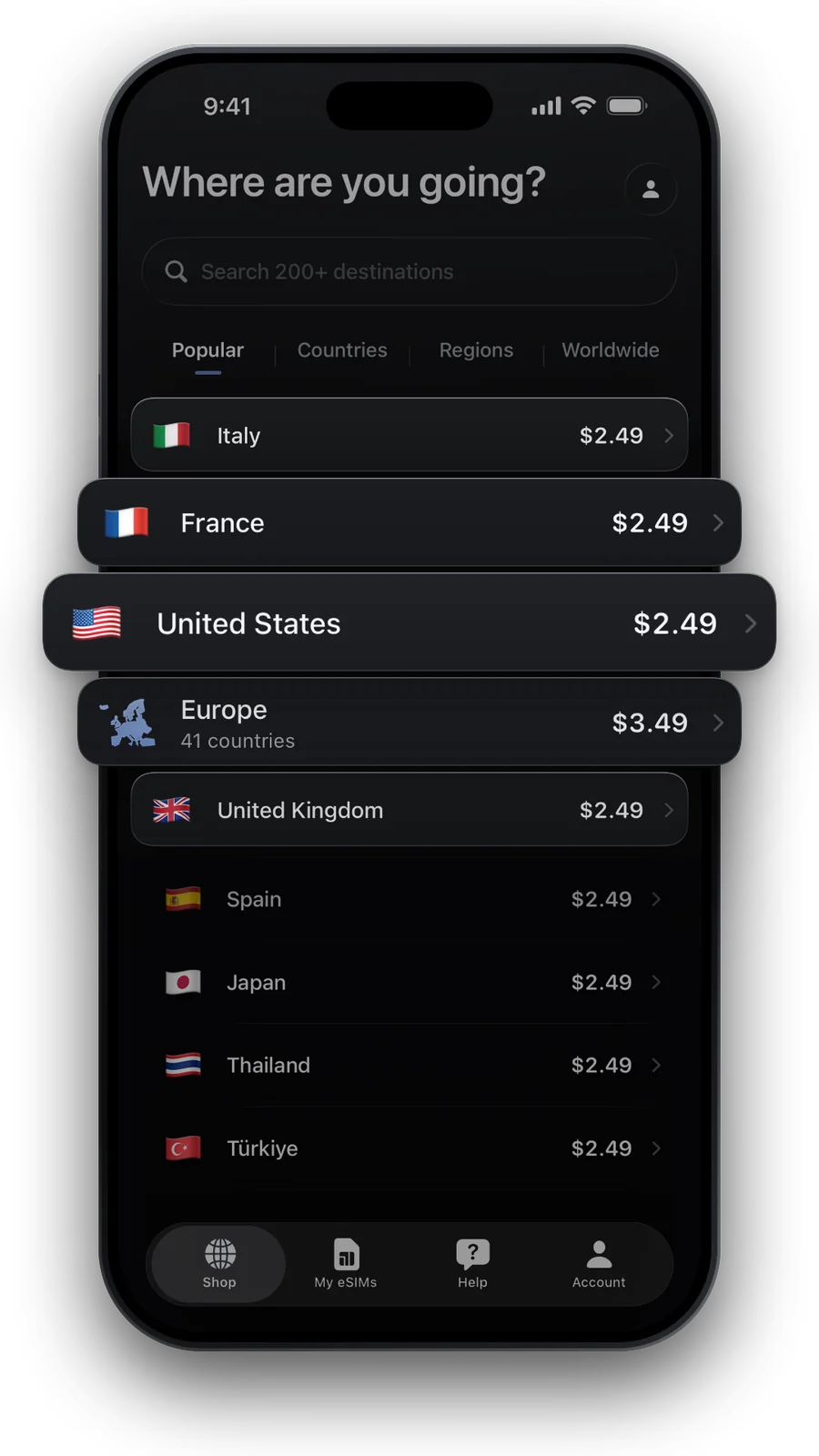
- Pick a plan for your destination below.
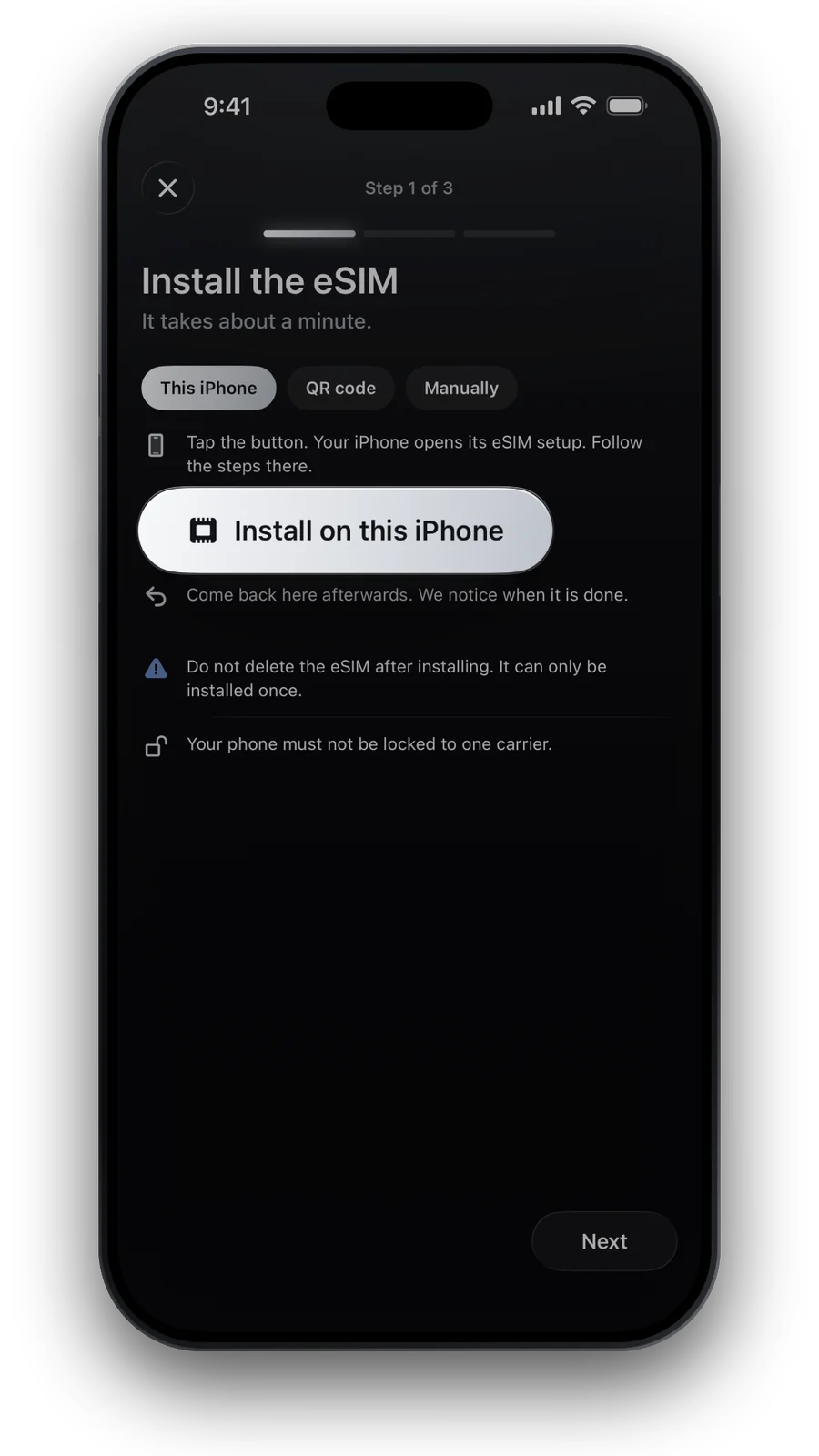
- Install it at home over Wi-Fi: tap Install in the app or scan the QR code.
- After landing, switch on data roaming for the eSIM line.
- Most plans start when your phone first connects there.
Prefer a daily allowance? 1 GB per day · 7 days for €12.49: full speed up to 1 GB a day, then 512 Kbps until the next day.
Picked like in our shop: the cheapest plan with about 0.7 GB a day. Live prices for Thailand.

Questions and answers
Does WhatsApp work in Thailand?
Yes. Freedom House lists no social media blocks in Thailand, so WhatsApp works normally.
Is LINE or WhatsApp more common in Thailand?
LINE. It is Thailand's No. 1 messaging app with 54 million monthly users.
Can I make WhatsApp video calls from Thailand?
Yes. A one-to-one video call uses about 250 MB an hour, so plan your data or use Wi-Fi.
Do I need a Thai number for WhatsApp?
No. WhatsApp keeps your home number; the eSIM only adds data.
Can I use WhatsApp on hotel Wi-Fi in Thailand?
Yes, at the hotel. Out on the street Wi-Fi drops as soon as you walk on, which is why WhatsApp needs mobile data for the rest of the day in Thailand.
Does the eSIM come with a phone number?
No. Our Thailand plans are data only. WhatsApp keeps using the number you registered at home, and your home SIM can stay in for codes.
Updated 18 Nov 2026 · checked against our live catalog
How we check our data · Prices and plans come live from our catalog; facts come from official sources, listed where we use them.
Sources: Freedom House: Freedom on the Net 2025, Thailand · LY Corporation: business outside Japan · StarHub: how much data do apps use (10 March 2026)