


Quick check on any Xiaomi
- Open the phone app and dial *#06#
- If you see a line called EID, the phone has an eSIM chip
- Then open Settings and search for “eSIM”: if an option to add one appears, you are ready
- Make sure the phone is unlocked, not tied to one carrier
The EID check is the most reliable test: it reads the chip itself, so it works whatever your model name or market is.
Xiaomi, Redmi and POCO models with eSIM (sourced)
We opened Xiaomi’s global specification page for each model below and checked its SIM line. “Yes” means the page lists nano SIM + eSIM.
| eSIM on the global spec page | |
|---|---|
| Xiaomi 12T Pro | Yes |
| Xiaomi 13, 13 Pro, 13 Lite | Yes |
| Xiaomi 14 | Yes |
| Xiaomi 14T, 14T Pro | Yes, also two eSIMs at once |
| Xiaomi 15, 15 Ultra | Yes, also two eSIMs at once |
| Xiaomi 15T, 15T Pro | Yes, also two eSIMs at once |
| Redmi Note 13 Pro 5G, 13 Pro+ 5G | Yes |
| Redmi Note 14 Pro 5G, 14 Pro+ 5G | Yes |
| Redmi Note 15 Pro 5G, 15 Pro+ 5G | Yes |
| Xiaomi 13 Ultra, 14 Ultra, MIX Flip | No, two nano SIMs only |
| Redmi Note 14 5G | No |
| POCO F6 Pro, F7, F7 Pro, F7 Ultra | No |
| POCO X6 Pro, X7, X7 Pro | No |
Global spec pages checked on 20 Oct 2026. Not listed? Use the quick check above.
Same model, different region: why eSIM can be missing
Xiaomi’s own spec pages add a footnote to the eSIM line: availability may vary by country, region and carrier. A phone bought in another market, or through a carrier, can therefore behave differently from the global version in the table.
- Imported phones: a model bought abroad may come without eSIM support. Run the EID check
- Carrier phones: a locked phone cannot add another carrier’s eSIM until it is unlocked
- Software: install pending system updates before you travel; eSIM menus sometimes change with updates
Add a travel eSIM on Xiaomi
- Buy your plan
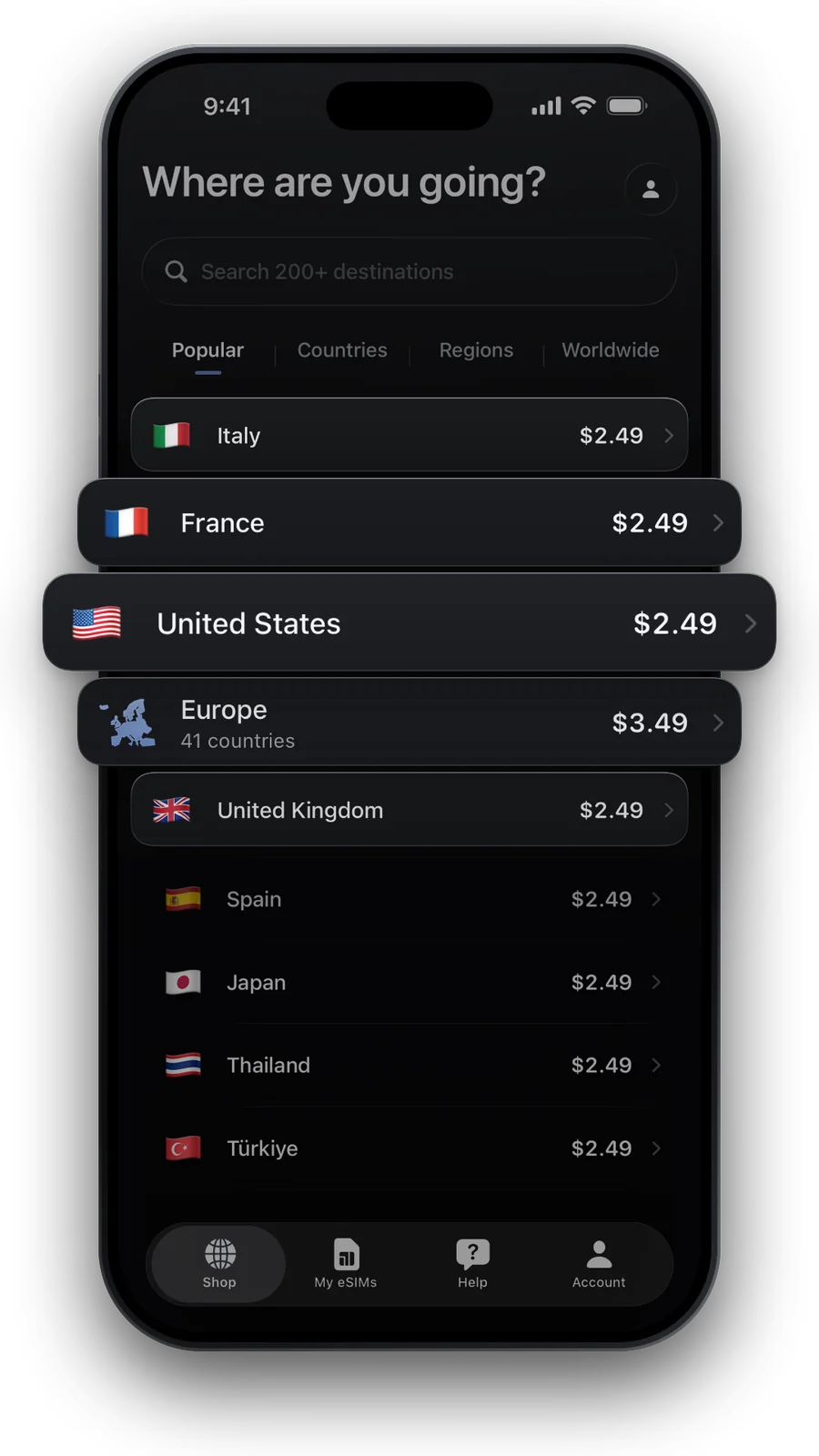
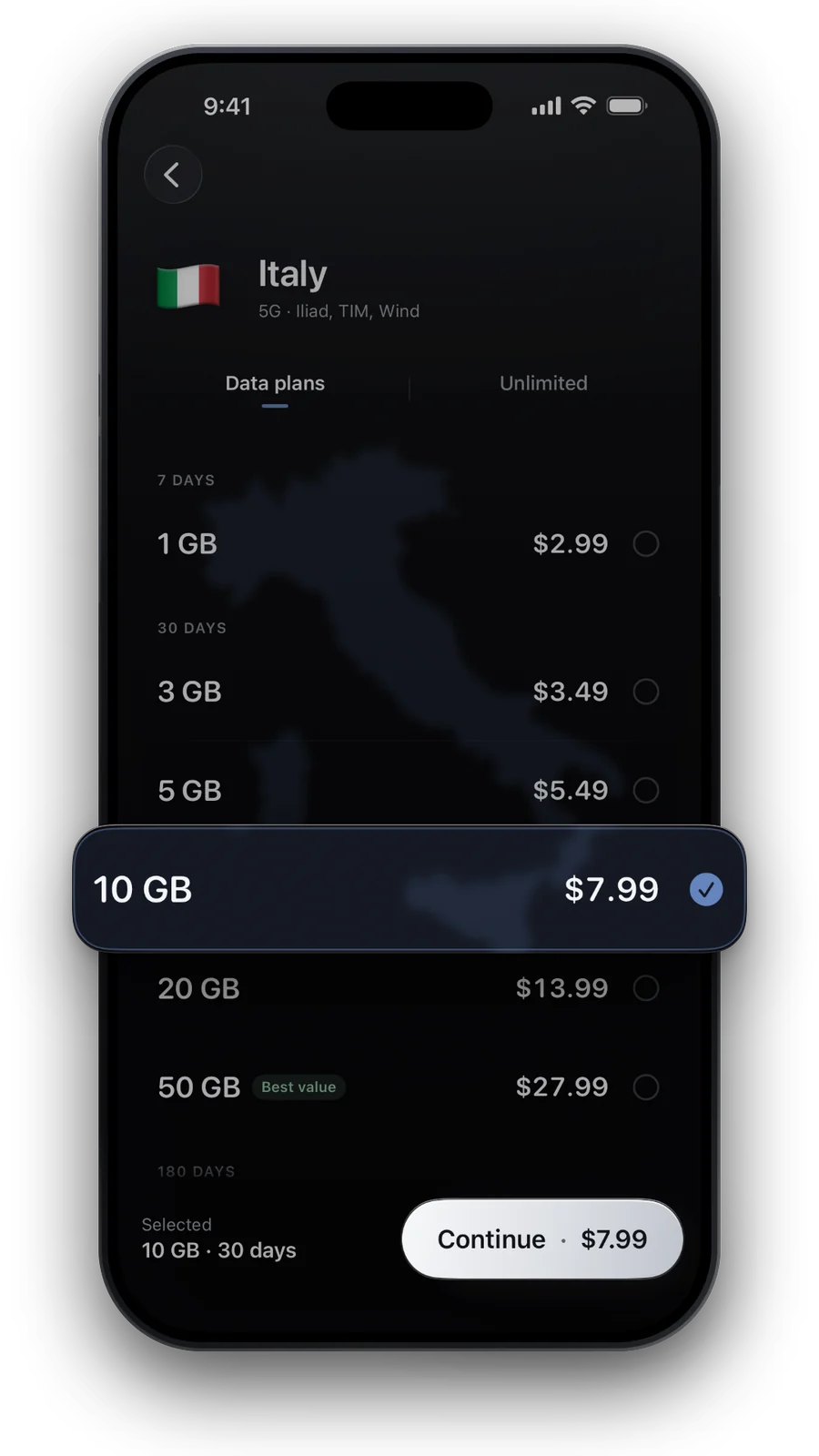
Pick your destination in the shop. Your eSIM appears under My eSIMs.
- Install on Wi‑Fi
Tap Install on the phone, or scan the QR code from a second screen. Do this at home, before the trip.
- At your destination
In the SIM settings, turn on data roaming for the travel eSIM and choose it for mobile data.
The full walkthrough with screens is in our Android installation guide. Never delete the eSIM while the plan is running. It cannot be installed twice.
No eSIM? Your options
| How it works | Keep in mind | |
|---|---|---|
| Roaming with your carrier | Your SIM keeps working abroad | Check the price per day or per MB first |
| Local SIM card | Bought on arrival, swapped into a slot | Most Xiaomi phones have two slots, so your home SIM can stay in |
| Another phone with eSIM | A travel companion’s phone or an old spare | Install the travel eSIM there |
Compare the options in eSIM vs roaming, and see which other brands support eSIM on our compatible phones page.
Questions and answers
Is my Xiaomi eSIM compatible?
Dial *#06#. If an EID appears, yes. Otherwise check the table above or the spec page of your exact model.
Do POCO phones support eSIM?
None of the POCO models we checked list eSIM on their global spec pages. Run the EID check to be sure for your phone.
Does the Redmi Note 13 Pro support eSIM?
Its global spec page lists nano SIM + eSIM for the 5G version. Phones from other markets can differ.
Can I keep my normal SIM in the phone?
Yes. The travel eSIM is added as a second line; your physical SIM stays for calls and SMS.
Does the Xiaomi 14 Ultra support eSIM?
No. Its global spec page lists two nano SIMs only, like the Xiaomi 13 Ultra and MIX Flip. The Xiaomi 14 and 14T do list eSIM.
Do Redmi Note phones support eSIM?
The Pro 5G versions of the Redmi Note 13, 14 and 15 list eSIM. The Redmi Note 14 5G does not. For other models, dial *#06# and look for an EID.
Is there a POCO phone with eSIM?
None of the POCO models we checked list eSIM, including the F7 and X7 series. The EID check shows it for sure.
Updated 18 Nov 2026 · checked against our live catalog
How we check our data · Prices and plans come live from our catalog; facts come from official sources, listed where we use them.
Sources: Xiaomi 12T Pro specs (global) · Xiaomi 14T Pro specs (global) · Xiaomi 15 specs (global) · Xiaomi 15 Ultra specs (global) · Xiaomi 14 Ultra specs (global) · Redmi Note 13 Pro+ 5G specs (global) · Redmi Note 14 Pro 5G specs (global) · POCO X7 Pro specs (global) · POCO F7 Ultra specs (global) · Xiaomi 13 specs (global) · Xiaomi 15T Pro specs (global) · Redmi Note 15 Pro+ 5G specs (global) · Xiaomi 13 Pro specs (global) · Xiaomi 13 Lite specs (global) · Xiaomi 13 Ultra specs (global) · Xiaomi 14 specs (global) · Xiaomi 14T specs (global) · Xiaomi 15T specs (global) · Xiaomi MIX Flip specs (global) · Redmi Note 13 Pro 5G specs (global) · Redmi Note 14 5G specs (global) · Redmi Note 14 Pro+ 5G specs (global) · Redmi Note 15 Pro 5G specs (global) · POCO F6 Pro specs (global) · POCO F7 specs (global) · POCO F7 Pro specs (global) · POCO X6 Pro specs (global) · POCO X7 specs (global)