

How to get internet in South Korea
Four ways to get online in South Korea. Free Wi-Fi is everywhere in Seoul, but taxis and maps need data between hotspots.
| Good for | Watch out | |
|---|---|---|
| Travel eSIM | Data from landing at Incheon | Data only, no Korean number |
| Roaming with your home SIM | Nothing to set up | Check your home provider's price |
| Local SIM card | Korean number | Bought after landing, passport needed |
| Free Wi-Fi | Seoul buses, stops, parks | Only near a hotspot |
How fast is mobile internet in South Korea?
South Korea is in the top ten of Ookla's mobile ranking, more than twice the world median.
| Median mobile download | |
|---|---|
| South Korea | 244.17 Mbps, 6th of 100 countries |
| Japan, for comparison | 67.60 Mbps, 71st |
| World median | 110.41 Mbps |
Ookla Speedtest Global Index, median mobile download, September 2026. Speed varies by place and time.
Which networks your eSIM uses in South Korea
The networks our South Korea plan connects to, and where its internet runs, come live from our catalogue:
- Networks for South KoreaLG Uplus and SKTelecom
- SpeedUp to 5G on both networks. Where there is no 5G, you connect over 4G/LTE.
- Internet runs viaSingaporeDepending on the plan. Banking or streaming apps may treat you as being there.
Free public Wi-Fi in Seoul
Seoul's city government runs 35,318 public Wi-Fi units on buses, at bus stops, in parks, markets and welfare facilities, and plans better Wi-Fi in Myeong-dong, Seongsu and the Hangang Parks. Its posters show the network SEOUL_Secure.
For apps that need data on the go, VISITKOREA lists Naver Map, Papago and k.ride. See Korea travel apps.
How much data for a trip to South Korea
We plan on about 0.7 GB a day for maps, messages, ride apps and some social media in South Korea. Streaming and video calls need more; see how much data you need.
| Rough data need | |
|---|---|
| Long weekend | about 2 GB |
| One week | about 5 GB |
| Two weeks | about 10 GB |
Based on our planning figure of about 0.7 GB a day.
Calls and messages in South Korea
Our South Korea plans are data only, so calls and texts run through apps. A few habits keep you reachable without surprises on your home bill:
- Messaging apps call and text over data, wherever they are available.
- Keep your own SIM on for bank codes, with its data roaming switched off.
- Need a local number for bookings? Only a local SIM card gives you one.
- Video calls use far more data than voice calls: save them for Wi-Fi.
Get internet for South Korea before you fly
- Check that your phone supports eSIM and is not locked: eSIM compatible phones.
- Pick a plan for your destination below.
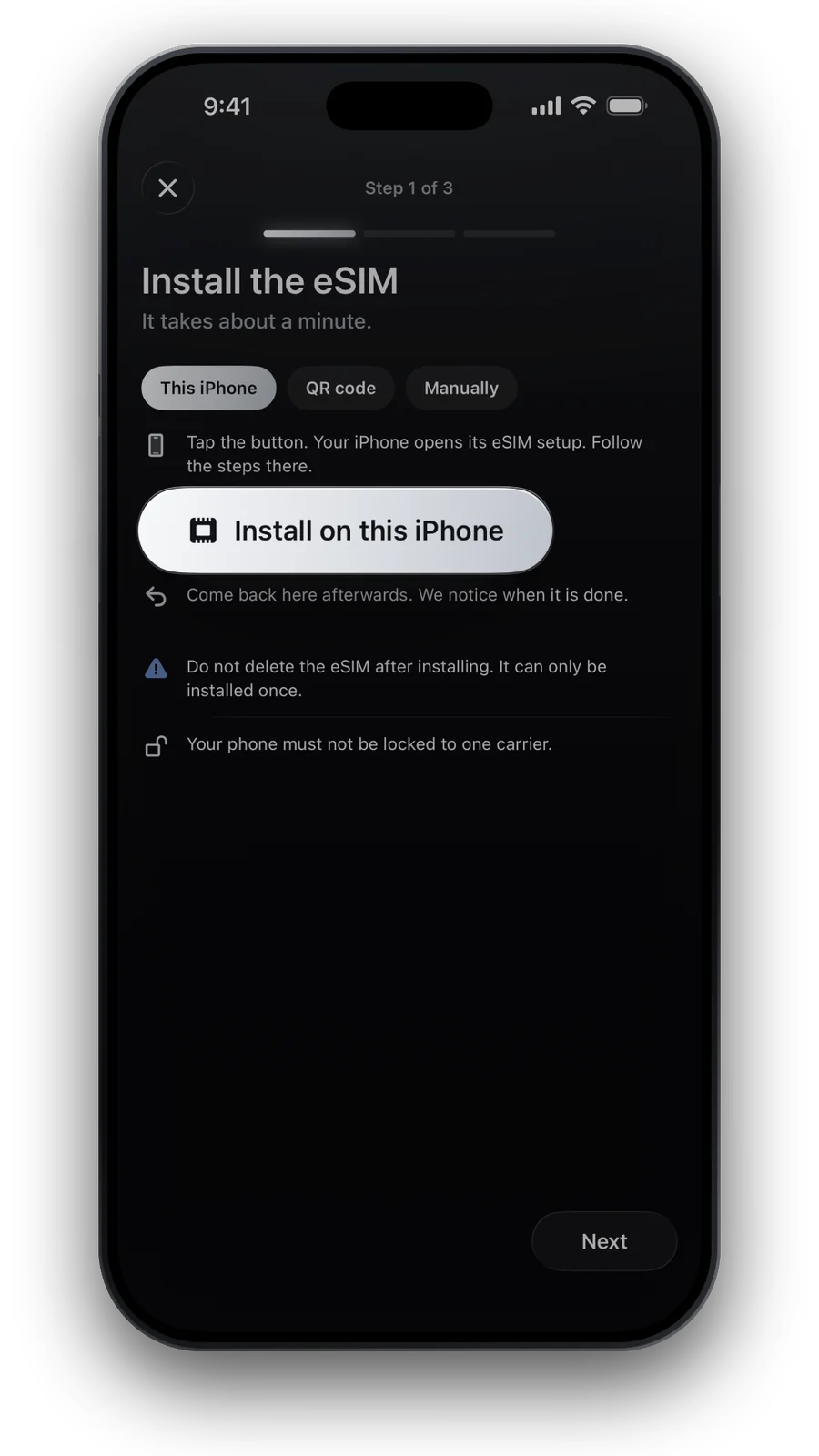
- Install it at home over Wi-Fi: tap Install in the app or scan the QR code.
- After landing, switch on data roaming for the eSIM line.
- Most plans start when your phone first connects there.
Prefer a daily allowance? 1 GB per day · 7 days for $10.49: full speed up to 1 GB a day, then 512 Kbps until the next day.
Picked like in our shop: the cheapest plan with about 0.7 GB a day. Live prices for South Korea.

Questions and answers
How do I get internet in South Korea?
Install a travel eSIM at home, use roaming, buy a local SIM at the airport, or use Seoul's free public Wi-Fi.
How fast is mobile internet in Korea?
Ookla's September 2026 index gives a median mobile download of 244.17 Mbps, 6th of 100 countries.
Is there free Wi-Fi in Seoul?
Yes. Seoul runs 35,318 public Wi-Fi units on buses, at stops and in parks.
Which Korean apps need mobile data?
Naver Map, k.ride, Kakao T and Papago all work best online.
Can I share my eSIM data in South Korea?
Yes. You can use your phone as a hotspot for a laptop or tablet in South Korea. Every gigabyte they use counts against your plan, so pick a size that covers both.
Does the South Korea eSIM include a phone number?
No. Our plans for South Korea are data only. Calls and messages work over apps, and your home SIM can stay in for codes.
Updated 18 Nov 2026 · checked against our live catalog
How we check our data · Prices and plans come live from our catalog; facts come from official sources, listed where we use them.
Sources: Ookla Speedtest Global Index, mobile, September 2026 · Seoul Metropolitan Government: public Wi-Fi policy (15 April 2026) · VISITKOREA: helpful apps and resources