
Check Carrier Lock in Settings
- Open Settings and tap General
- Tap About and scroll down to Carrier Lock
- No SIM restrictions means your iPhone is unlocked
Carrier Lock shows on iOS 14 and later. If the line is missing, update iOS first and look again.
What the answer means
- No SIM restrictions
- Unlocked
- Anything else
- Locked: ask your carrier
- No Carrier Lock line
- Update iOS, then check again
Unlocked means SIMs and eSIMs from any carrier work, including a travel eSIM next to your own SIM. Locked means the iPhone only takes the SIMs of the carrier that sold it.
If it shows anything else
- Contact the carrier that sold you the iPhone. Apple cannot unlock it for you
- Ask what they need. Many carriers want the iPhone paid off first
- Once they confirm, open Carrier Lock again: it should now say No SIM restrictions
Unlocking can take a few days, so ask well before your trip. Avoid unofficial unlock services: only your carrier can lift the lock. All options in one place: how to get your phone unlocked.
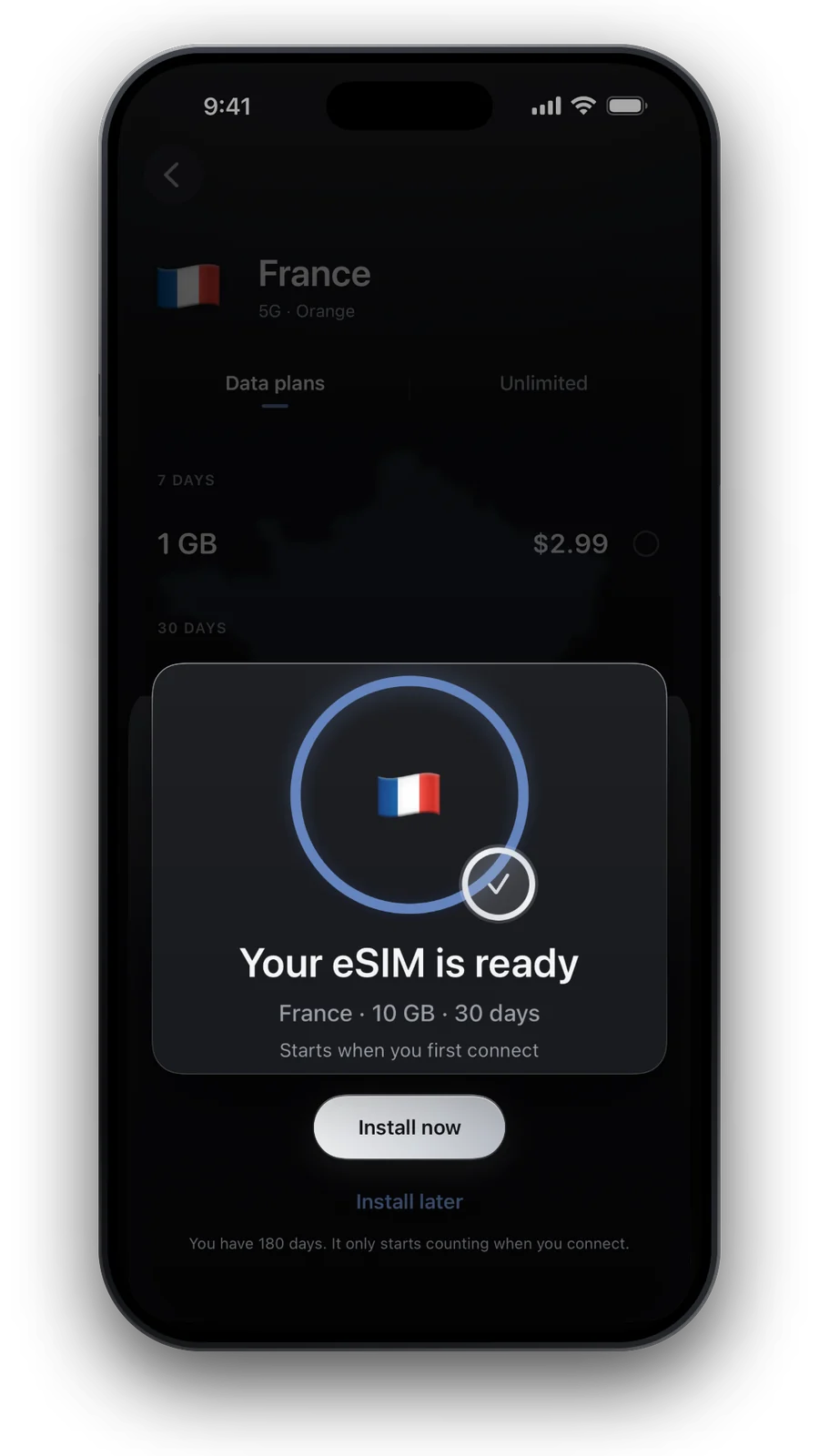
Unlocked? Add a travel eSIM
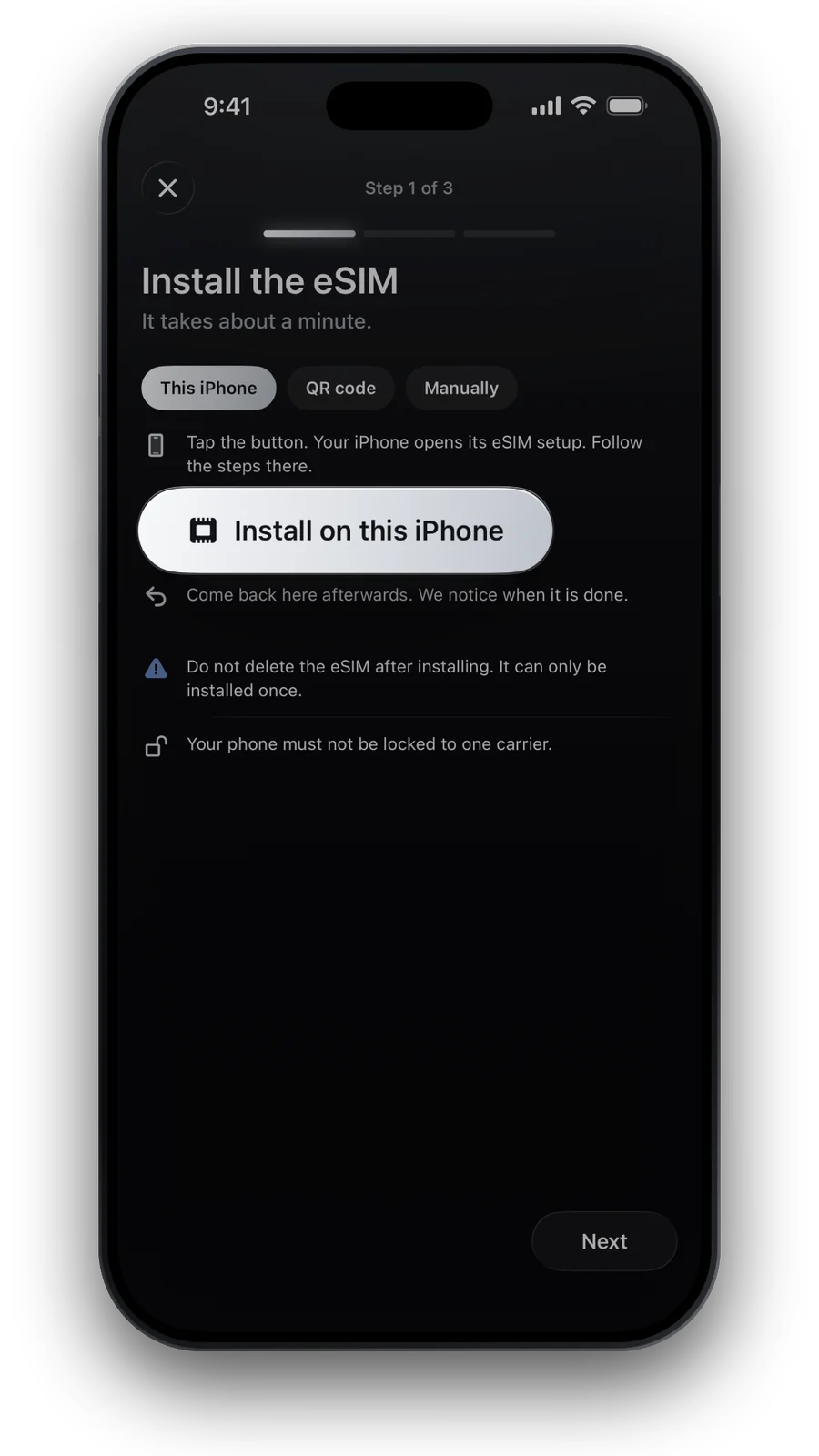
Every iPhone from the XS and XR on has an eSIM. Check your model, then install the eSIM at home and switch it on when you land.
Questions and answers
Where is Carrier Lock on iPhone?
Settings → General → About, then scroll down. The line is there on iOS 14 and later.
Can Apple unlock my iPhone?
No. Apple says only your carrier can unlock an iPhone.
Does a locked iPhone work with a travel eSIM?
No. A travel eSIM needs an unlocked iPhone. Your own SIM keeps working abroad through roaming, at your carrier’s prices.
Is an eSIM-only iPhone ever locked?
It can be. A carrier lock works the same with or without a SIM tray, so check Carrier Lock either way.
Updated 3 Nov 2026 · checked against our live catalogue
How we check our data · Prices and plans come live from our catalogue; facts come from official sources, listed where we use them.