What the airport lists
- SIM cardsSIM cards are sold by China Welcome Centre.
- Free Wi-FiFree Wi-Fi is available in T2, T3, and T4. One session lasts 3 hours.
Local SIM or eSIM
| eSIM | Local SIM | |
|---|---|---|
| Where you get it | In the app, before you fly | At the airport: China Welcome Centre |
| Ready when you land | Yes, if installed before the flight | After you have bought and set it up |
| Phone number | Data only, no number | Depends on the pack, see the carrier page |
| Plans and prices | Shown live below, by data size and days | On the carrier or airport page |
Local SIM details change. Confirm them with the carrier or the airport.
Set it up before you fly
- Check that your phone supports eSIM and is not locked: eSIM compatible phones.
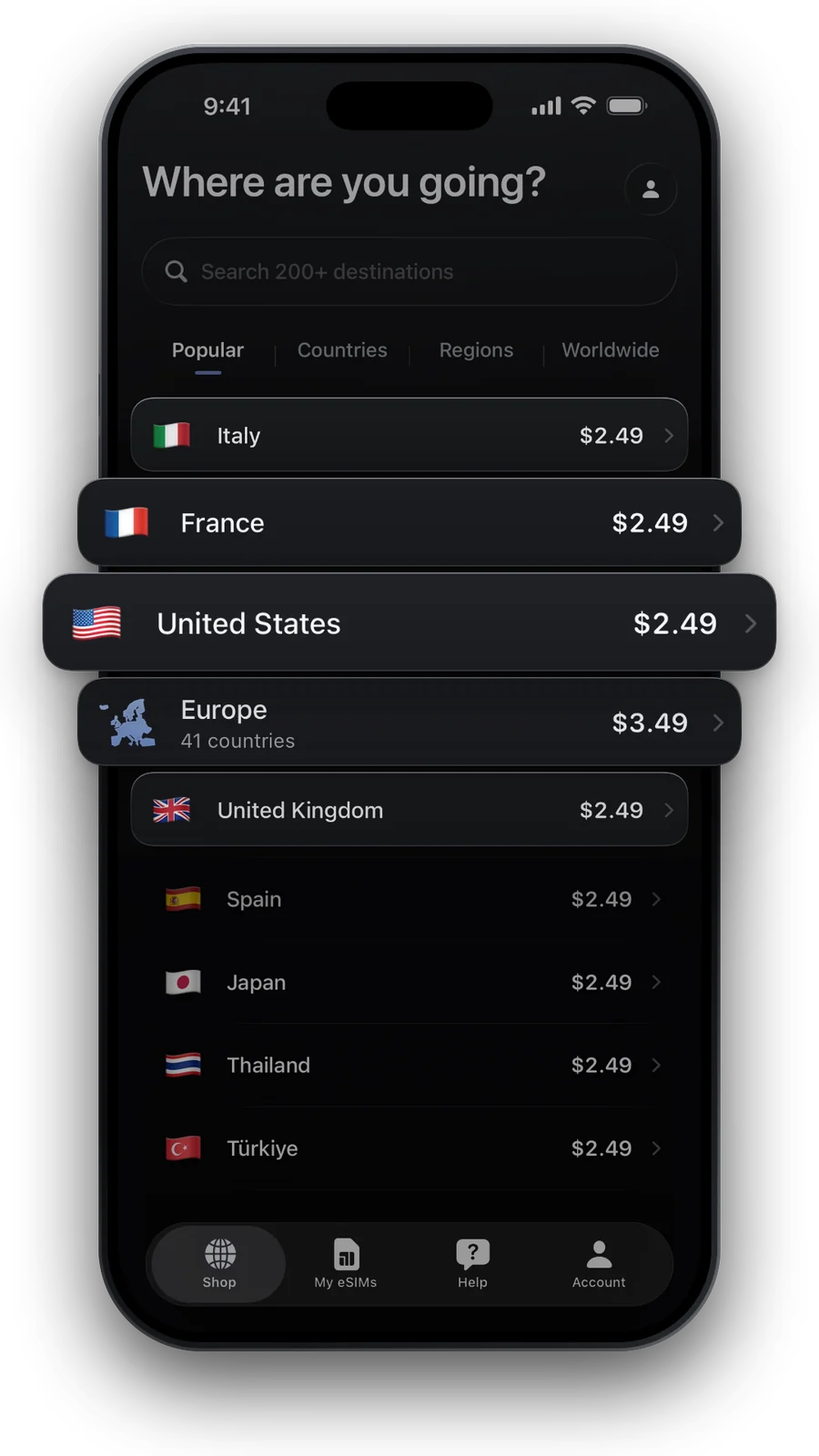
- Pick a plan for your destination below.
- Payment is taken once the eSIM is ready.
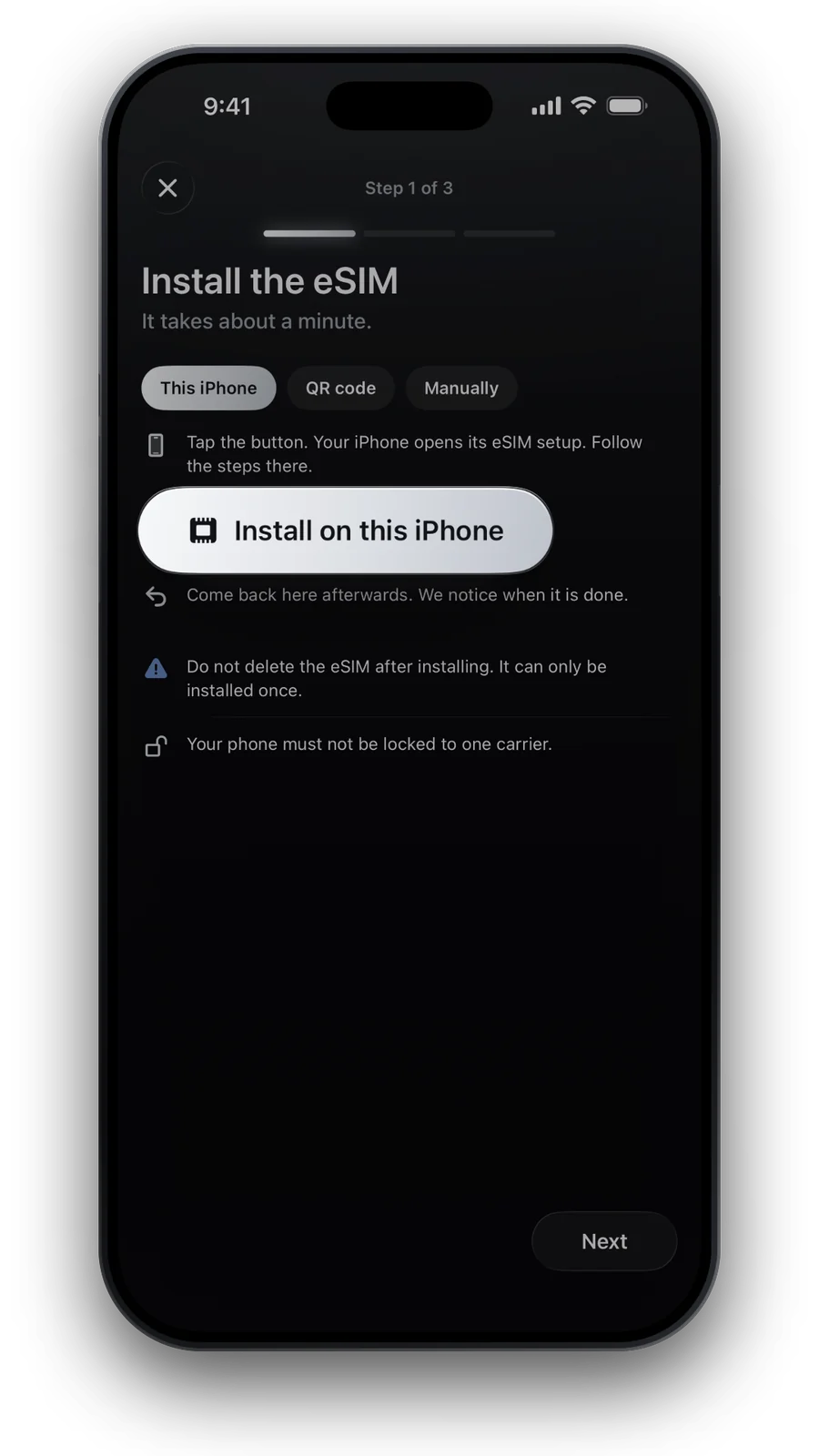
- Install it at home over Wi-Fi: tap Install in the app or scan the QR code.
- After landing, switch on data roaming for the eSIM line.
- Most plans start when your phone first connects there.
Prefer a daily allowance? 1 GB per day · 7 days for €9.49: full speed up to 1 GB a day, then 1 Mbps until the next day.
Picked like in our shop: the cheapest plan with about 0.7 GB a day. Live prices for Australia.
Questions and answers
Can I buy a SIM card at Melbourne airport?
Yes. Look for China Welcome Centre at the airport, or skip the search and install an eSIM at home before you fly.
Is the Wi-Fi at Melbourne airport free?
Yes, the airport offers free Wi-Fi. The network name and the sign-in steps are listed above.
Can I install the eSIM before I fly to Melbourne?
Yes. Install it over Wi-Fi at home, then switch on data roaming for the eSIM line after landing in Melbourne. Most plans start when your phone first connects, so no days are lost.
Australia: how much data does a week need?
About 5 GB suit a typical week of maps, messages and rides. How much data do I need helps you pick a size.
Does the eSIM come with a phone number?
No. Plans are data only. Keep your own SIM for calls and texts, and use messaging apps over data.
Updated 24 Oct 2026 · checked against our live catalogue
How we check our data · Prices and plans come live from our catalogue; facts come from official sources, listed where we use them.
Sources: Melbourne Airport: Wi-Fi · Melbourne Airport: China Welcome Centre