The official check comes first
Morocco runs an official portal called Accès Maroc, with an admissibility check in French. Before it tells you anything, it asks for facts about you and your trip.
- your nationality and country of residence
- the type of passport you hold
- your purpose of travel, and whether you attend an event in Morocco
- whether you hold another valid visa
The portal links to the foreign ministry, the consulates portal and the tourism ministry for details. Use only the official addresses.
Keep it on the phone, and offline
- Save a screenshot or PDF of any approval, your first night's address and your onward ticket.
- Store them in a place that opens without internet, such as your files app.
- Carry the original passport; screenshots support it, they do not replace it.
Entry is decided at the border, not by an app. An approval does not promise entry, so follow the instructions of the officer.
Online from the arrivals hall
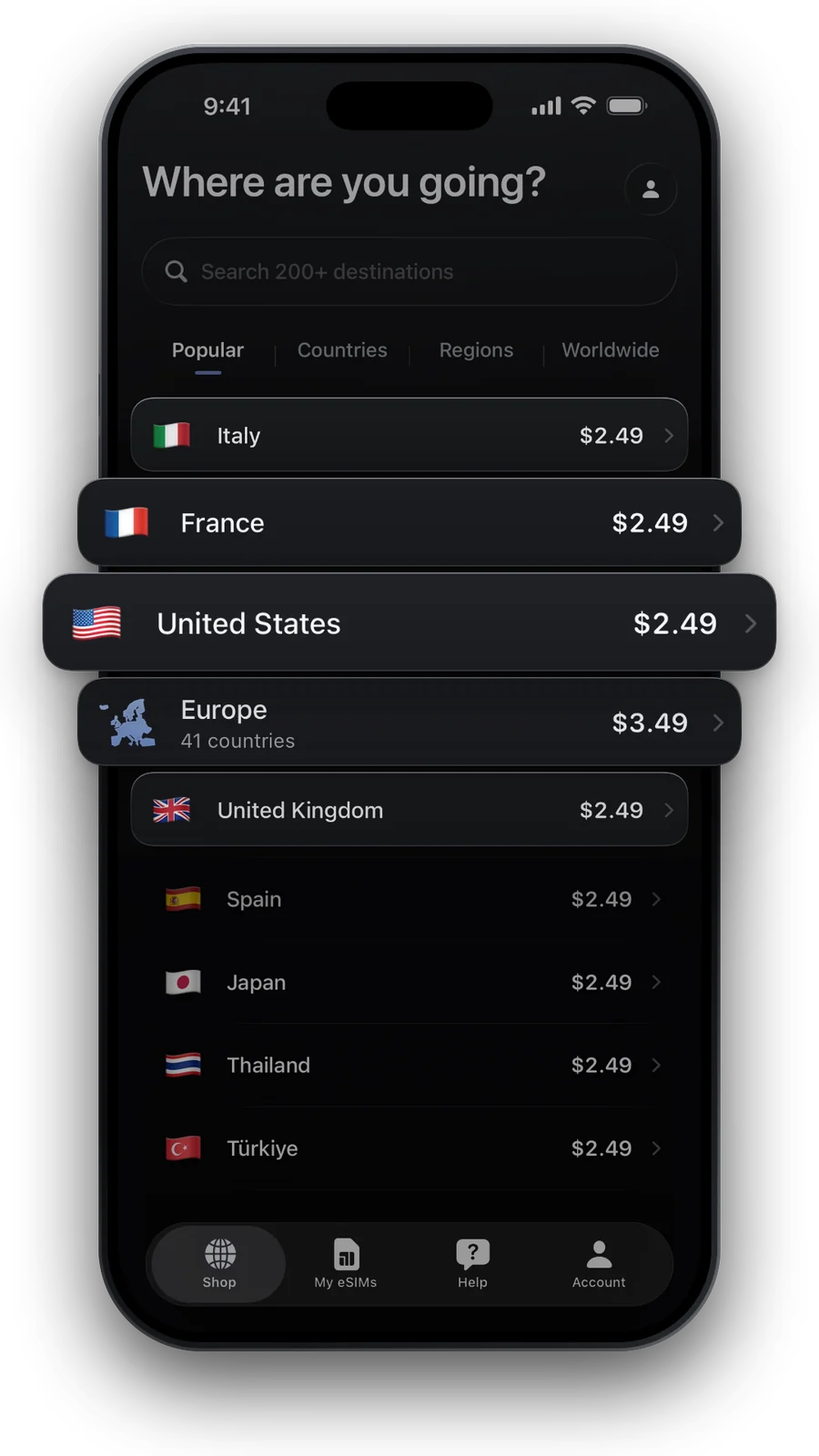
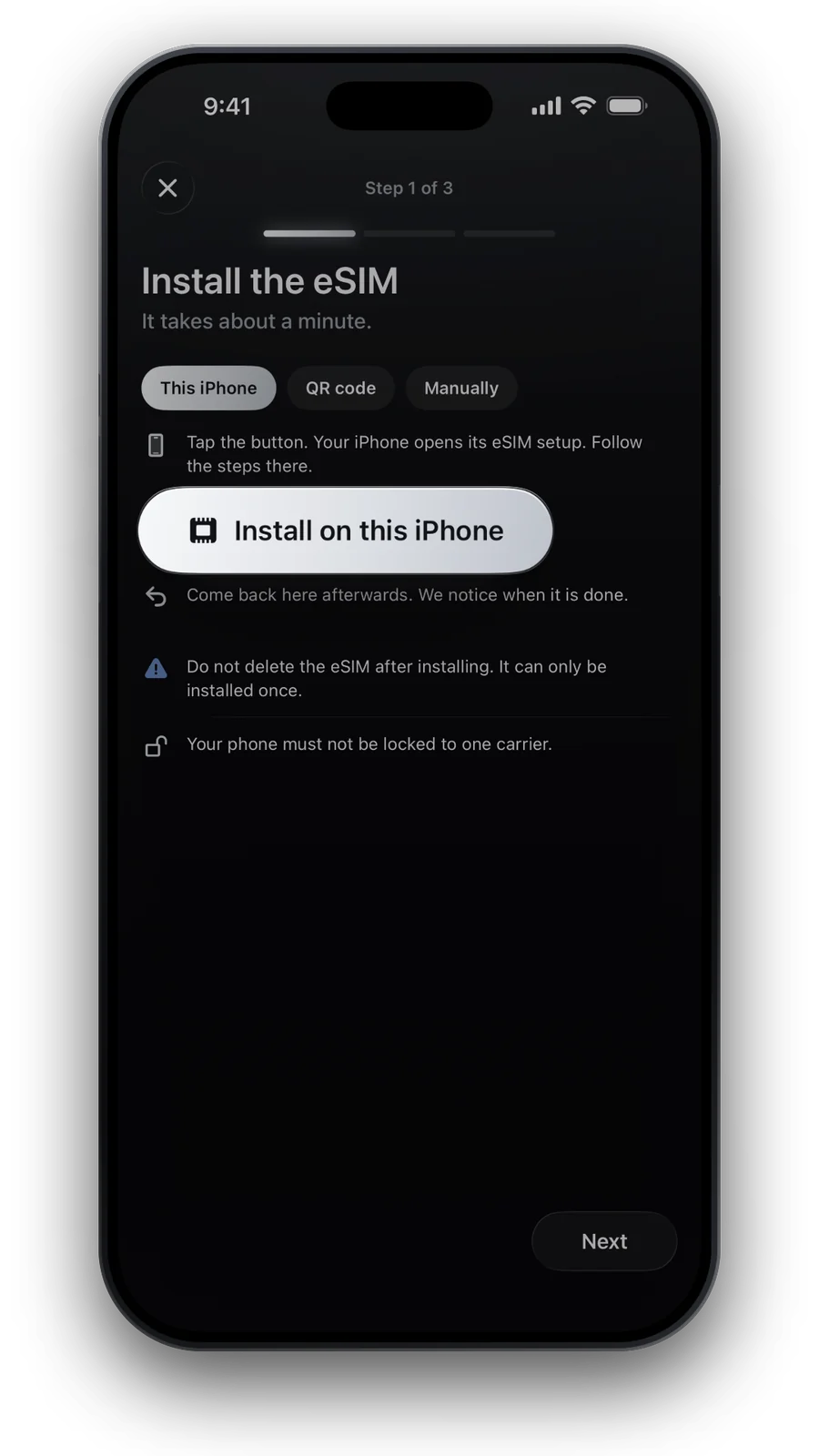
Queues, a taxi to the medina and a message to your host all need data in the first hour. An eSIM that you installed at home on Wi-Fi works when the plane lands. Read how the eSIM fits your trip in our Morocco eSIM guide.

Questions and answers
Do I need a visa for Morocco?
It depends on your nationality, residence, passport type and purpose of travel. Use the official eligibility check on Morocco's access portal.
Where do I apply?
Start at the official portal and its links to the foreign ministry and the consulates portal. Use only the official addresses.
Can I be online before I clear the airport?
Yes, if your phone supports eSIM. Install the eSIM at home, then switch it on as your data line when you land.
Updated 24 Oct 2026 · checked against our live catalogue
How we check our data · Prices and plans come live from our catalogue; facts come from official sources, listed where we use them.