
Kinds of hotspot
| What it is | Typical use | |
|---|---|---|
| Mobile hotspot on your phone | The phone shares its mobile data | Laptop on a train, tablet for the kids |
| Public hotspot | Wi‑Fi in a café, airport or hotel | Free or paid access in one place |
| Pocket Wi‑Fi router | A separate box with its own SIM | Groups that share one device |
This page is about the first one: the hotspot on your own phone.
How to turn on a hotspot
- iPhone: Settings, Personal Hotspot, then turn on Allow Others to Join.
- Android (Pixel): Settings, Network and internet, Hotspot and tethering, then Wi‑Fi hotspot.
- Note the network name and password shown there.
- On the other device, pick that network in its Wi‑Fi list and enter the password.
- Turn the hotspot off when you are done, so nothing keeps using data.
Does a hotspot cost money?
Turning it on is free on most plans, but every device on the hotspot uses your data. Apple notes that the mobile operator must support Personal Hotspot and that extra fees may apply. Google says some mobile operators limit tethering or charge for it. At home that is usually part of your plan; abroad, roaming charges can add up quickly.
Laptops are hungry: updates, cloud backups and video calls can use more in an hour than a phone in a day. Pause automatic uploads before you connect a laptop.
Does a hotspot use more data?
The hotspot itself adds very little. What uses data is the other device, and a laptop or tablet loads bigger pages and higher video quality than a phone. Plan in GB for each extra device, not for the phone alone.
| Phone only | Phone plus laptop | |
|---|---|---|
| Email and messages | Small | Small, until attachments sync |
| Video call | Medium | Larger, higher resolution |
| Software updates | Usually wait for Wi‑Fi | Can start right away |
Turn on Low Data Mode or Data Saver on the connected devices to reduce background use.
Hotspot abroad with a travel eSIM
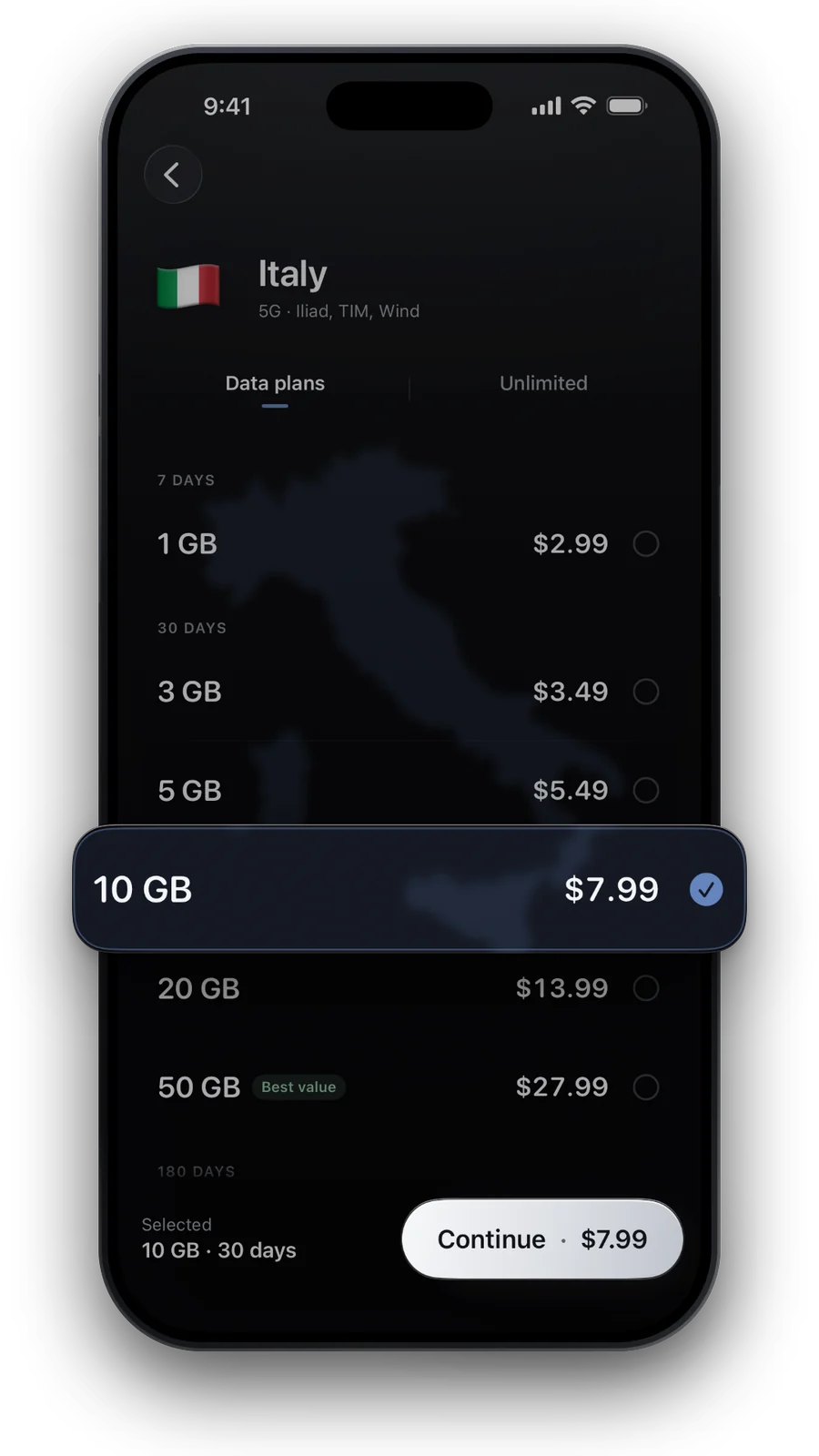
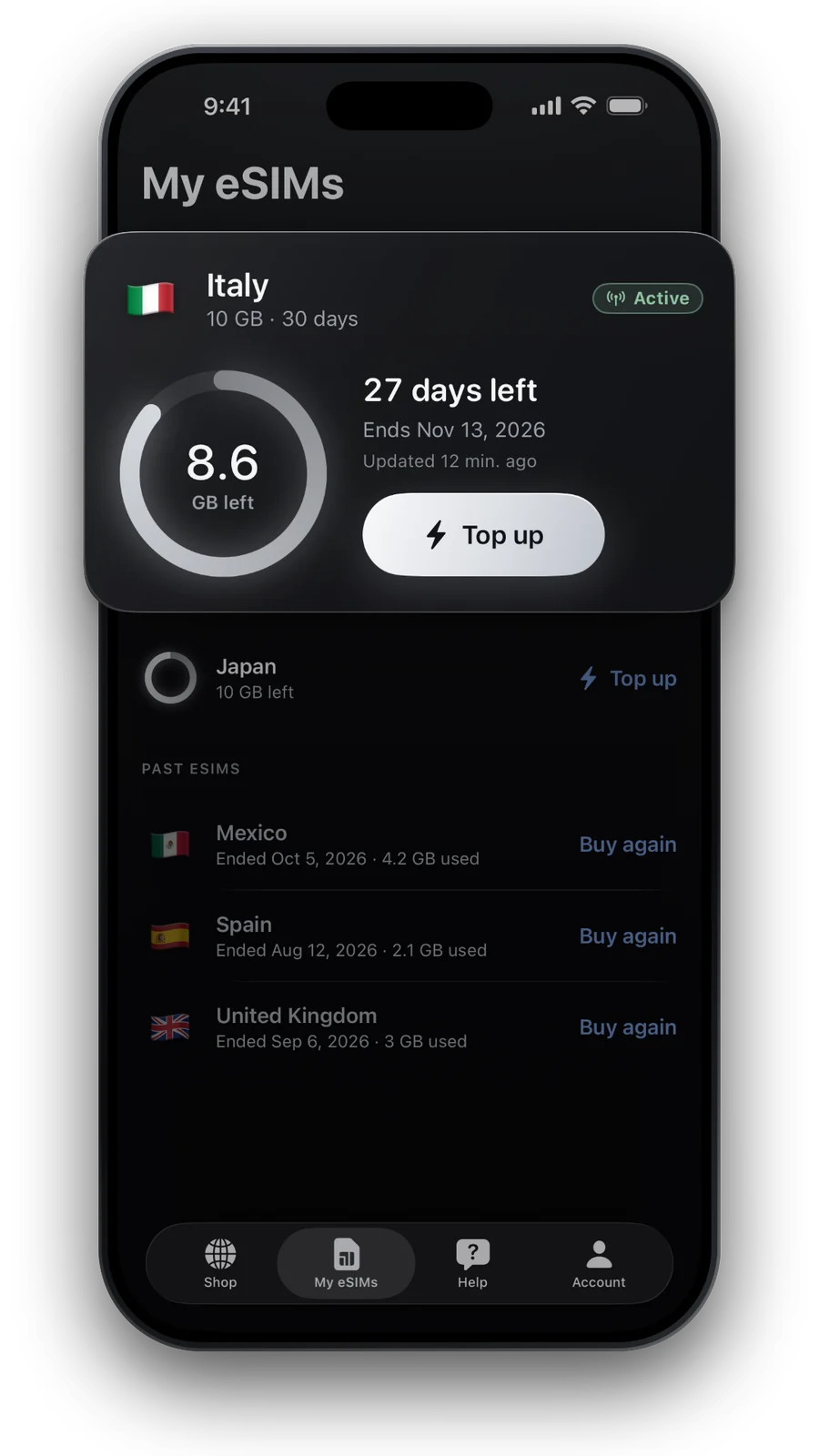
With a travel eSIM, your phone can share the eSIM's data as a hotspot, so the laptop runs on the travel plan and not on roaming. Choose a bigger plan if others will use it. More in eSIM as a hotspot and how much data do I need.
Questions and answers
What is a hotspot on my phone?
A feature that turns your phone into a small Wi‑Fi network, so other devices can use its mobile data.
Is a hotspot the same as Wi‑Fi?
To the other device it looks like Wi‑Fi. Behind it, the data comes from your phone's mobile plan, not from a broadband line.
How many devices can join?
It depends on the phone and mobile operator. Google says a Pixel can share with up to 10 devices; Apple says the number depends on the mobile operator and iPhone model.
Does a hotspot drain the battery?
Yes, noticeably. Keep the phone plugged in if you share for a long time.
Can I use a hotspot with a travel eSIM?
Yes, on most phones. The shared data comes from the eSIM plan.
Is a public hotspot safe?
Open networks can be read by others. For banking, use your own mobile data or your phone's hotspot with a password.
Updated 18 Nov 2026 · checked against our live catalog
How we check our data · Prices and plans come live from our catalog; facts come from official sources, listed where we use them.
Sources: Apple Support: Connect to the Personal Hotspot of an iPhone or iPad · Pixel Phone Help: Share a mobile connection by hotspot or tethering