Which plan covers Busan?
A South Korea plan. Busan is one of the largest cities in the country, and one plan works from Busan to Seoul and on Jeju, so you can extend a trip without buying again. The networks it uses, and whether 5G is on, come live from our catalogue below.
- Networks for South KoreaLG Uplus and SKTelecom
- SpeedUp to 5G on both networks. Where there is no 5G, you connect over 4G/LTE.
- Internet runs viaSingaporeDepending on the plan. Banking or streaming apps may treat you as being there.
Korean networks are dense and fast in the cities. In Busan you can expect a steady connection in the centre, along the beaches and in the stations. Signal is weaker on mountain trails, in some tunnels and on quiet stretches of coast.
Coverage around Busan
Where your phone stays online, and where to prepare:
- Seomyeon, Nampo and Busan Station: dense city areas with strong signal. Maps, taxi apps and translation all work.
- Haeundae and Gwangalli: beach areas full of cafés and shops. Evenings and holidays are busy, and a crowded beach can slow any network a little.
- Metro, buses and the KTX: mobile data works in stations and mostly on the move. Open your KTX ticket on Wi‑Fi once, so it is saved before you reach the platform.
- Gamcheon Culture Village, Taejongdae and the coast road: hills, cliffs and narrow lanes. Signal is usually fine, but save the route offline before you walk out.
Download the Busan area in your map app before you leave the hotel. It takes a few minutes and saves data on the road.
Arriving at Gimhae Airport
Busan’s airport, Gimhae International, is a short ride from the city by light rail, bus or taxi. Your eSIM is ready before the plane lands, so arrival takes four steps.
- Switch it on after landing
Turn off airplane mode, turn on data roaming for the eSIM line and choose it for mobile data. Your home SIM stays on for calls.
- Open your map app
Search for your hotel in Naver Map or KakaoMap. Both show light rail, metro and bus routes with live times.
- Order a ride
Kakao T finds a taxi at the airport and shows the route, so you do not have to explain the address in Korean.
How much data for Busan
Maps, messages and translation use little. Photos, video calls and music add up. For a week or two, see how much data you need, then pick a size below.
| What the phone does | |
|---|---|
| Getting around | Naver Map, KakaoMap and taxi apps: a small amount each day |
| Beach and sightseeing | Photos, short videos and posts: upload on Wi‑Fi to save data |
| Day trip by KTX or bus | Ticket checks, live times and a map while you travel |
| Evenings | Restaurant search, reviews and messages home |
What you will use data for on a typical trip.
Prefer a daily allowance? 1 GB per day · 7 days for €9.49: full speed up to 1 GB a day, then 512 Kbps until the next day.
Picked like in our shop: the cheapest plan with about 0.7 GB a day. Live prices for South Korea.

Good to know in Busan
- Use Naver Map or KakaoMap. Google Maps has limited directions in Korea, see the Korea guide.
- Local phone number: some Korean apps ask for one at sign-up. The eSIM is data only, so use your home number, or pay by card where you can.
- Free Wi‑Fi in cafés and stations can need a sign-up each time. Keep the eSIM on as your steady option.
- Keep your own SIM for calls, texts and bank codes. See Dual SIM on iPhone.
Going on from Busan
The same plan works in Seoul, Gyeongju and on Jeju, see the Jeju eSIM guide. Taking the ferry or a flight to Japan? A Korea plan stays in Korea, so add a Japan plan or look at a regional plan in the regions list.
Questions and answers
Do I need a separate eSIM for Busan?
No. Busan is part of South Korea, so a Korea eSIM covers it, along with Seoul, Jeju and the rest of the country.
Does the eSIM work in the Busan metro and on the KTX?
Yes, mobile data works in stations and on most routes. Signal can dip in a few tunnels and returns at the next station.
Can I install the eSIM before I land at Gimhae?
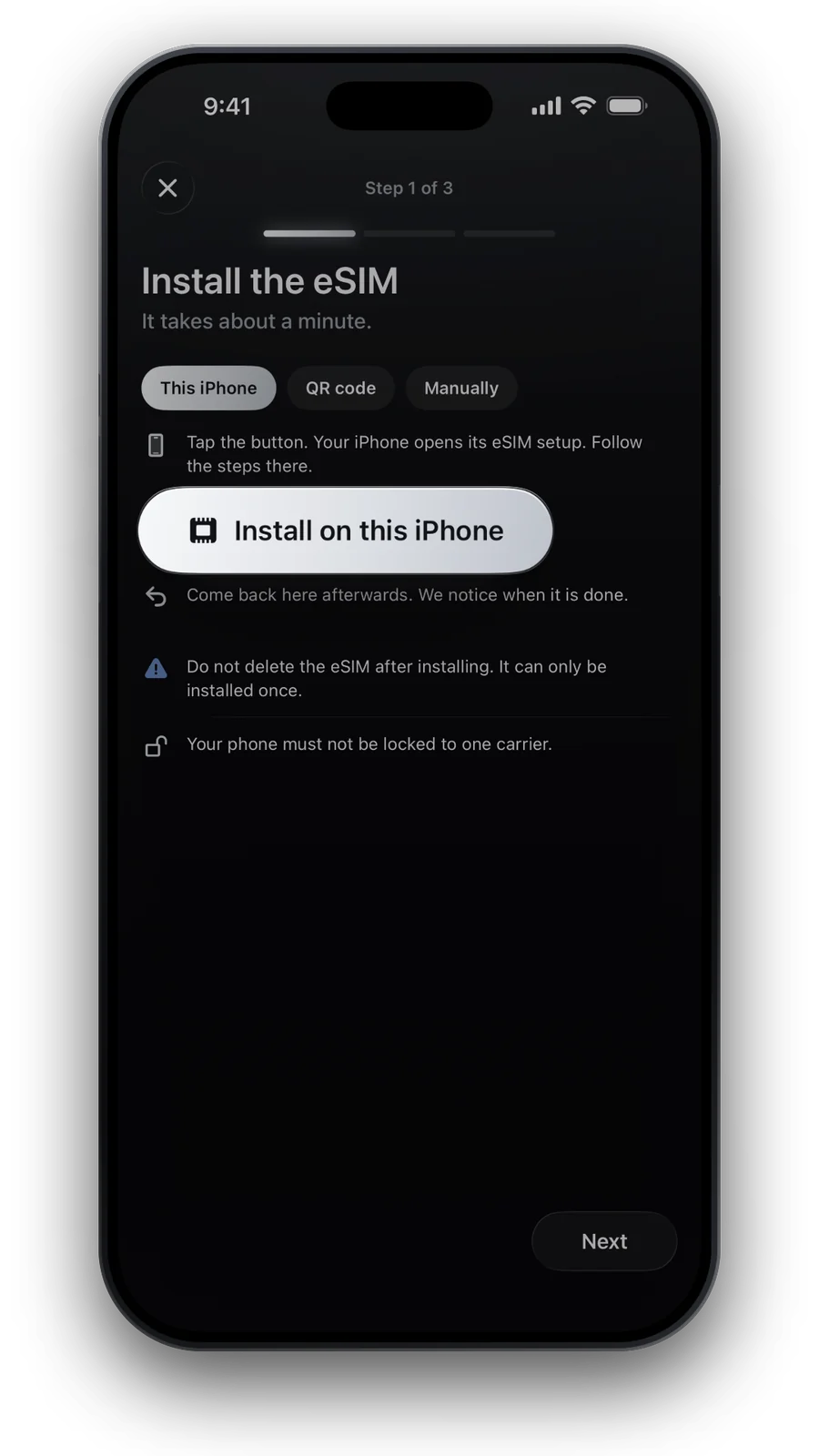
Yes, and you should. Install it at home over Wi‑Fi, then switch it on after you land. Most Korea plans start when your phone first connects there.
Which map app should I use in Busan?
Naver Map or KakaoMap. Google Maps shows places, but its directions in Korea are limited.
Do I get a Korean phone number with the eSIM?
No. The plan is data only. Your own SIM keeps your number for calls and texts.
Updated 24 Oct 2026 · checked against our live catalogue
How we check our data · Prices and plans come live from our catalogue; facts come from official sources, listed where we use them.