Which plan covers Jeju?
A South Korea plan. Jeju is a province of Korea and uses the same networks as the mainland, so the plan you use in Seoul or Busan works here too. Which networks your phone will use is shown below, live from our catalogue.
- Networks for South KoreaLG Uplus and SKTelecom
- SpeedUp to 5G on both networks. Where there is no 5G, you connect over 4G/LTE.
- Internet runs viaSingaporeDepending on the plan. Banking or streaming apps may treat you as being there.
Jeju City and Seogwipo are well covered, as are the main ring road and the busiest sights. The quiet interior, forest paths and some coves are where the signal can come and go.
Coverage around the island
Jeju is an island of small towns, coast roads and volcanic landscape. What to expect:
- Jeju City and Seogwipo: strong signal, with maps, taxi apps, restaurant search and translation working as on the mainland.
- Coast road and the east: towns, cafés and beaches along the way. Seongsan Ilchulbong and the sights nearby are busy, and signal is usually fine.
- Hallasan and the forest trails: the signal can weaken on the mountain and under the trees. Download the trail map and tell someone your route.
- Ferries to small islands such as Udo: check the ferry times before you go and save a map of the island, since coverage can vary at sea.
Before the first drive, download the whole island in your map app. Live navigation then has an offline backup if the signal drops.
Arriving at Jeju Airport
Jeju International Airport is in Jeju City, and most visitors arrive by plane. Prepare four things and you are online by the time you reach the car park.
- Switch it on in the arrivals hall
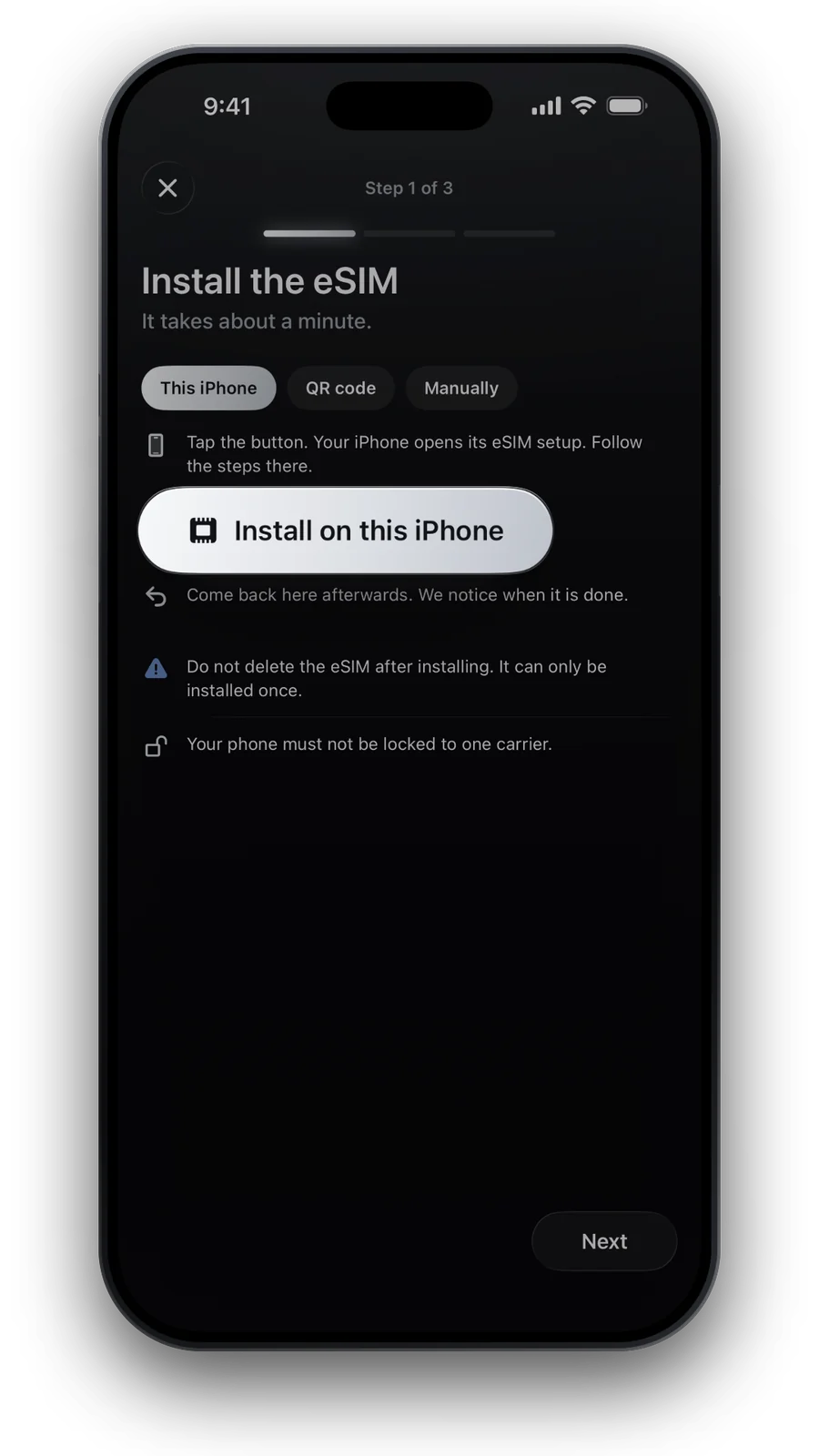
Turn on data roaming for the eSIM line and choose it for mobile data. Most plans start when your phone first connects.
- Pick up the car or a taxi
Most visitors rent a car at the airport. Save the rental office and your hotel in Naver Map or KakaoMap, which find Korean addresses best.
- Save offline maps
Download Jeju in your map app and Korean in a translation app, so trails and country roads work without a signal.
How much data for Jeju
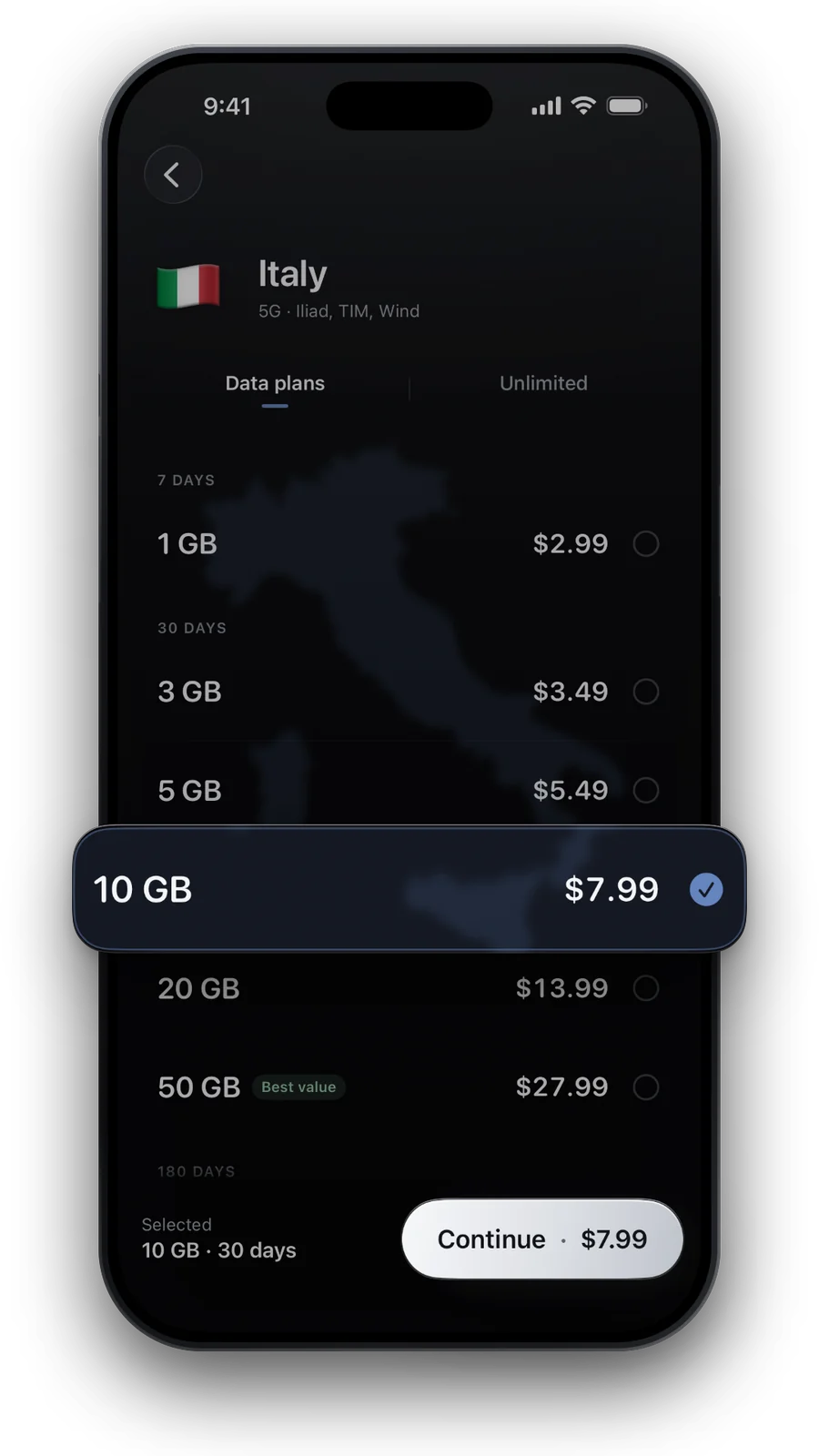
Driving with live navigation, photos at every viewpoint and constant map checks add up more than on a city break. For one or two weeks, see how much data you need, then pick a size below.
| What the phone does | |
|---|---|
| Rental car | Live navigation, parking search and route changes |
| Sights and beaches | Photos and short videos: upload on Wi‑Fi at the hotel |
| Hiking | Offline trail map, weather checks and a shared location |
| Cafés and dinner | Reviews, bookings and translation |
What you will use data for on a typical trip.
Prefer a daily allowance? 1 GB per day · 7 days for €9.49: full speed up to 1 GB a day, then 512 Kbps until the next day.
Picked like in our shop: the cheapest plan with about 0.7 GB a day. Live prices for South Korea.

Good to know on Jeju
- Use Naver Map or KakaoMap for driving. Google Maps has limited directions in Korea, see the Korea guide.
- The weather changes fast on the coast and on the mountain. Check conditions on your phone before you set off.
- Battery: a day of navigation, photos and a warm car drains the phone. Bring a car charger or a power bank.
- Keep your own SIM for calls and bank codes. The eSIM is data only, see Dual SIM on iPhone.
Before and after Jeju
Most trips combine Jeju with Seoul or Busan, and one Korea plan covers all of it, see the Busan eSIM guide. Flying on to Japan? Add a Japan plan or look at a regional plan in the regions list.
Questions and answers
Do I need a separate eSIM for Jeju?
No. Jeju is part of South Korea, so a Korea eSIM covers it, along with Seoul and Busan.
Will I have a signal on Hallasan and the trails?
Not everywhere. Lower slopes and busy routes are usually fine, but the signal can drop higher up and in the forest. Download the trail map first.
Can I use live navigation with a rental car?
Yes. Mobile data works for live navigation on the main roads. Keep an offline map as a backup for quiet areas.
Can I install the eSIM before I fly to Jeju?
Yes. Install it at home over Wi‑Fi and switch it on at the airport. Most Korea plans start when your phone first connects there.
Does the eSIM include a Korean phone number?
No, it is data only. Your own SIM keeps your number for calls and texts.
Updated 24 Oct 2026 · checked against our live catalogue
How we check our data · Prices and plans come live from our catalogue; facts come from official sources, listed where we use them.