
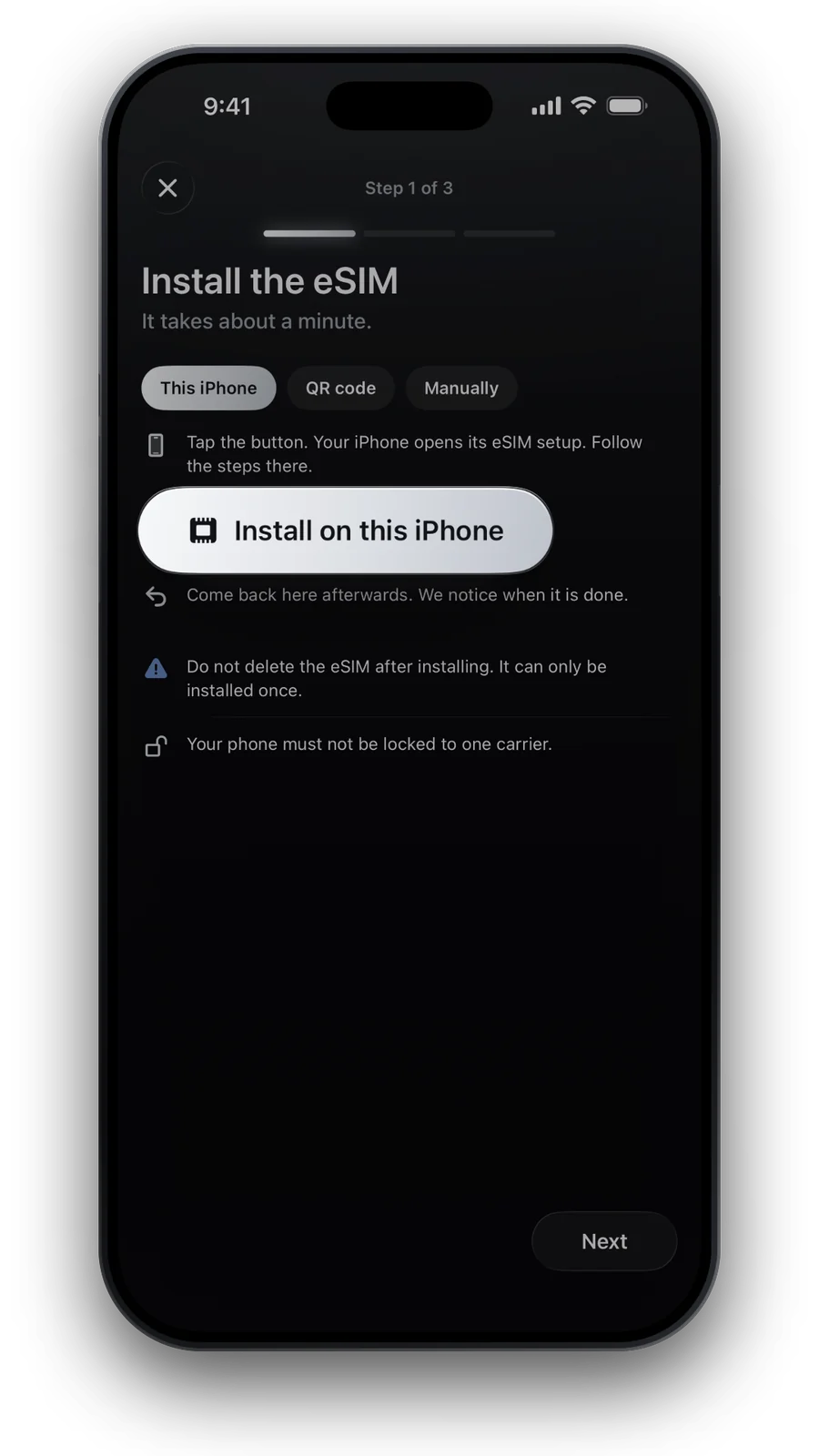
You do not need to convert to use a travel eSIM
Phones with a SIM tray can run a physical SIM and an eSIM side by side. Your card keeps your number for calls and SMS; the travel eSIM brings the data. Nothing about your home line has to change.
- Physical SIMYour home number, as it is today
- Travel eSIMAdded in a minute, used for mobile data abroad
- Both togetherOn every dual-SIM phone with eSIM: see the compatible phones
What converting your home SIM means
Converting moves your own number from the plastic card onto an eSIM in the same phone. It only works if your carrier supports it, and the card stops working once the switch is done.
| Where to find it | |
|---|---|
| iPhone | Settings → Cellular (Mobile Service) → Set Up Cellular or Add eSIM → choose your number → Convert to eSIM |
| Samsung Galaxy | Settings → Connections → SIM manager → tap the SIM → Convert to eSIM |
| No such option? | Your carrier handles it, in its app, by phone or in a shop |
Paths from Apple and Samsung support pages, October 2026.
Do it at home, not abroad
- You may need the carrier: in some countries, Apple notes, an eSIM has to be set up in a carrier store with an ID check
- Your number is at stake: if the conversion stalls abroad, bank codes and calls to your number may not reach you until it is fixed
- Help is easier at home: same time zone, a shop nearby and no roaming charges for the call to the hotline
If you want to convert, do it a week or more before you fly: enough time to sort out a hiccup with your carrier.
Going back from eSIM to a physical SIM
Phones usually have no setting that turns an eSIM back into a card. You ask your carrier for a new nano-SIM, and the carrier moves your number onto it.
First check that your phone still has a SIM tray: some iPhone 14 and later models are eSIM-only, and so are most US Pixel 10 models.
The best set-up for travel
| Home line (card or eSIM) | Travel eSIM | |
|---|---|---|
| Calls and SMS | Yes, your number | No, data only |
| Mobile data | Off abroad | On |
| Data roaming | Off | On: no extra cost, the plan is prepaid |
| iMessage, FaceTime, WhatsApp | Stay on your number | Provides the data |
Whether your home number sits on a card or an eSIM makes no difference to this set-up. Pick your destination, install the travel eSIM at home: see what an eSIM is if you are new to it.
Questions and answers
Do I have to convert my SIM to eSIM to use a travel eSIM?
No. On phones with a SIM tray, your SIM card and the travel eSIM work side by side.
Can I convert my SIM to eSIM while abroad?
Sometimes, but it is risky: some carriers need an ID check in a store, and your number could be unreachable until it works. Do it at home.
Will my old SIM card still work after converting?
No. Once your number is on the eSIM, the physical card stops working.
Can I put my travel eSIM on a physical SIM card?
No. Travel eSIMs exist only as eSIM profiles, and ours install once, on one phone.
Can I switch to a different eSIM during a trip?
Yes. A phone can store several eSIMs. Install the new one, then choose it as your data line in the settings. The old one stays on your phone until you delete it.
Updated 24 Oct 2026 · checked against our live catalogue
How we check our data · Prices and plans come live from our catalogue; facts come from official sources, listed where we use them.
Sources: Apple: Set up cellular service on iPhone · Apple: Use eSIM while traveling internationally with your iPhone · Samsung: Galaxy eSIM and supported network carriers · Google Pixel Help: Use dual SIMs and eSIMs