The seven downsides
- Your phone must support eSIM. Older phones and some models have none. Check yours in the list of eSIM phones.
- The phone must be unlocked. A phone locked to one carrier can refuse other eSIMs. See is your phone unlocked?
- A travel eSIM stays on one phone. It installs once and cannot be moved later. See moving an eSIM to a new iPhone.
- There is no phone number. A data-only travel eSIM carries no calls or texts, so your own SIM stays in the phone. See data-only eSIM.
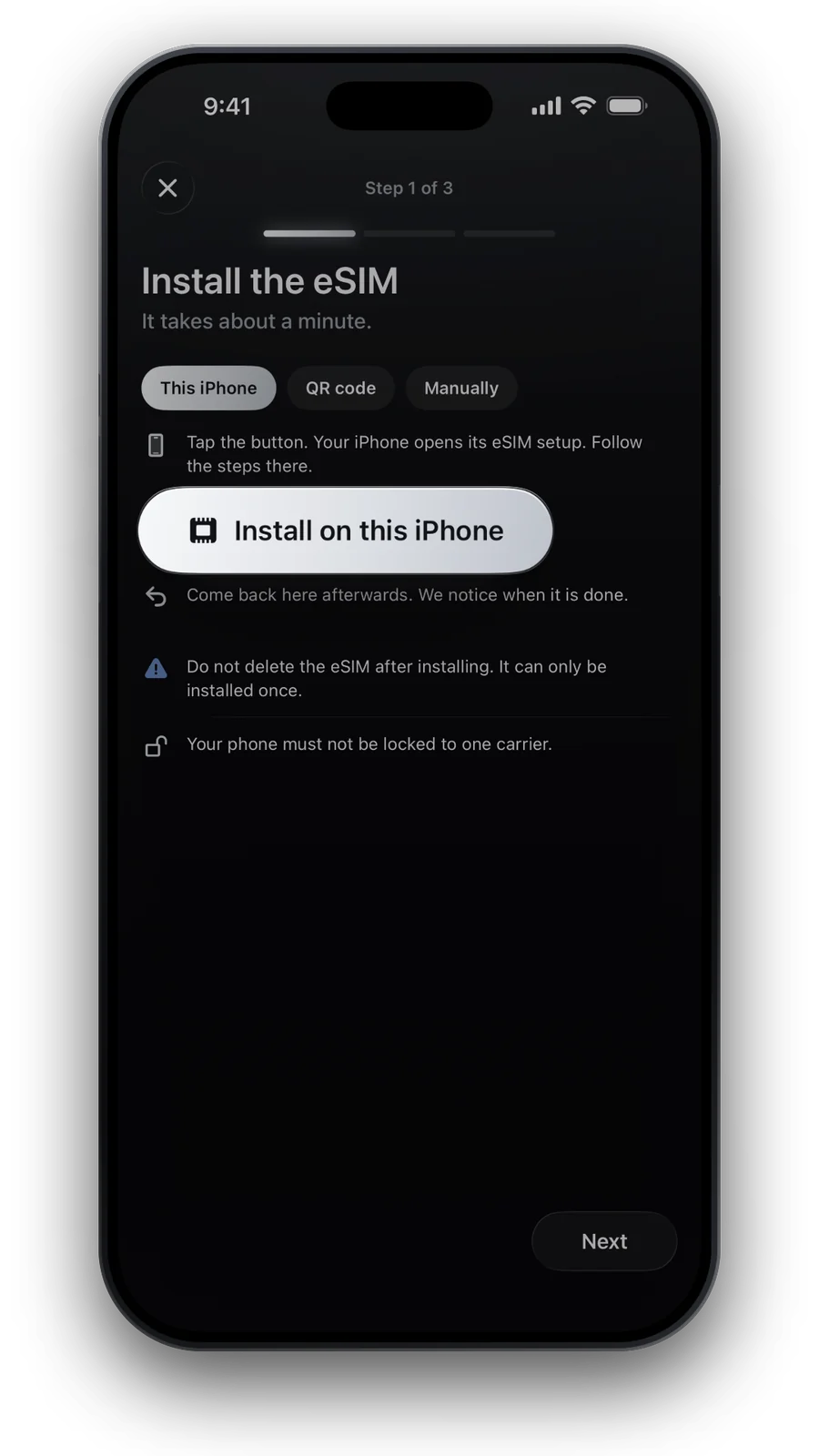
- You need internet to install it. Set it up at home over Wi‑Fi, before you fly.
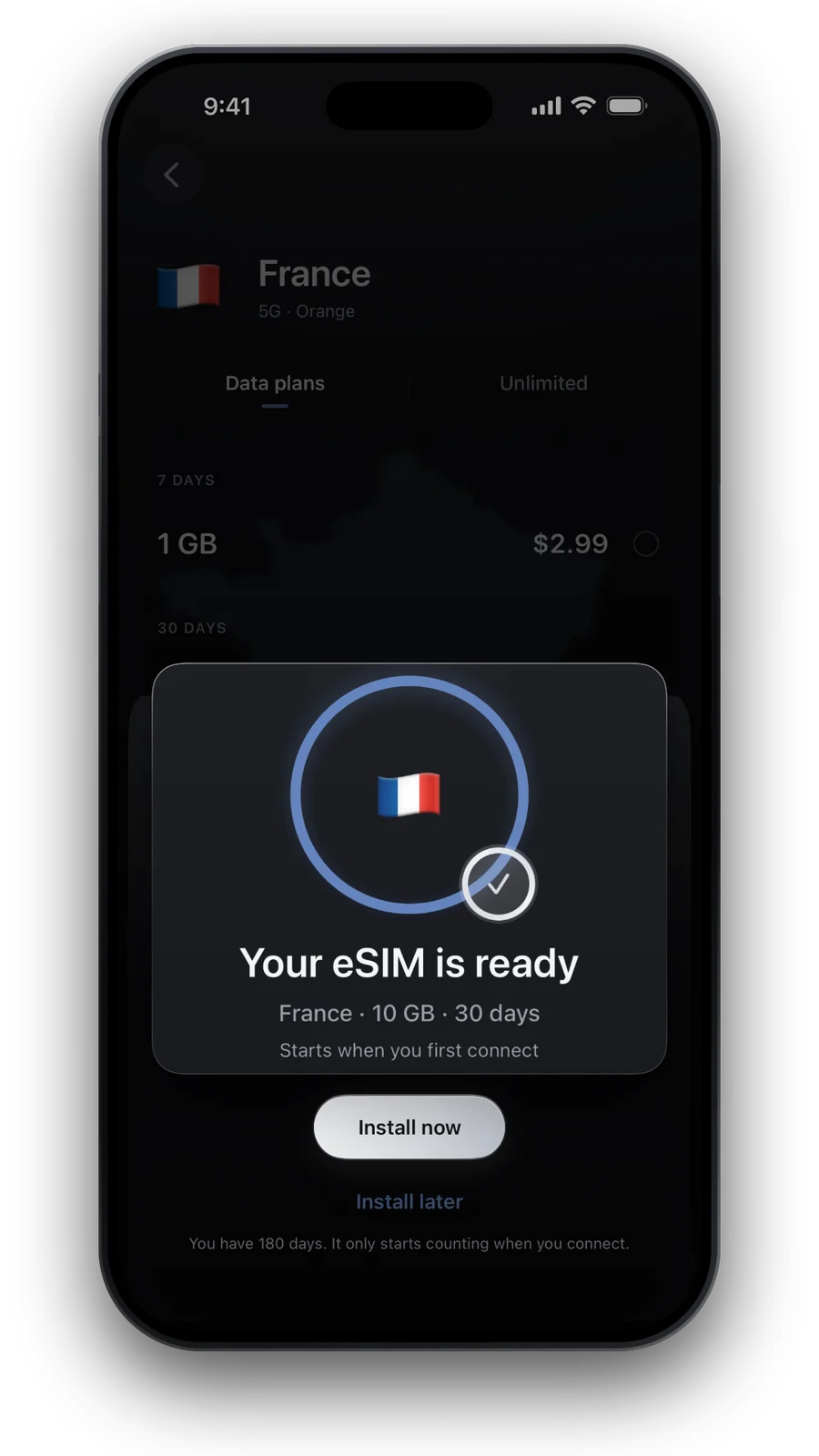
- There is no card to swap back. A physical SIM moves between phones in seconds. A travel eSIM does not, and one you delete by mistake is gone: ours installs once.
- Some apps think you are in another country. Depending on the plan, your connection can exit through another country, and a bank or streaming app may treat you as being there.
eSIM or physical SIM: where each one wins
Most downsides are a matter of phone and timing, not of the eSIM itself. The table shows where a physical SIM is the easier choice.
| eSIM | Physical SIM | |
|---|---|---|
| Phone support | Needs an eSIM phone | Works in almost any phone with a SIM tray |
| Getting it | Minutes, online | A shop or the post |
| Moving to another phone | Travel eSIM: not possible | Take the card out and swap |
| Lost or stolen phone | Cannot be pulled out | Can be taken out and used elsewhere |
An eSIM for your own number is a different case: some carriers can move it to a new phone.
How to avoid each one
- Check the phone
Dial *#06#. If an EID number appears, your phone has an eSIM chip. Then make sure it is unlocked.
- Install at home
Use Wi‑Fi a day or two before you fly. Most plans start counting only when your phone first connects abroad: see when a travel eSIM starts.
- Keep your own SIM in
Calls, texts and bank codes stay on your number. Set up Dual SIM on iPhone or Android so the eSIM carries only data.
- Buy for the phone you will take
Decide which phone travels first. A travel eSIM does not follow you to a new one.
- Never delete it to retry
If it does not connect, work through eSIM not working abroad instead.
When something else is simpler
- An older phone without eSIM: a travel SIM card or a local SIM. See buying a local SIM abroad.
- You need a local number for deliveries or calls: a local SIM is the better fit.
- A group with laptops: one shared connection can be easier. See pocket Wi‑Fi or eSIM.
For most trips the downsides are small: you have data the moment you land and nothing to collect or return.
Questions and answers
Can I use an eSIM and my normal SIM at the same time?
Yes, on any dual-SIM phone with eSIM. Keep your SIM for calls and texts and choose the eSIM for mobile data. See iPhone Dual SIM.
What happens to my travel eSIM if I get a new phone?
It stays on the old phone. A travel eSIM from a shop installs once, on one phone, so decide on the phone before you buy.
Can I install an eSIM without Wi‑Fi?
You need an internet connection to download it. Wi‑Fi at home is the usual way. If you are already abroad, use Wi‑Fi at the airport or your hotel.
Does an eSIM work on a phone from my carrier?
Only if the phone is not locked to that carrier. See is your phone unlocked? for how to check.
Is an eSIM worth it despite the downsides?
For most trips, yes. If your phone has no eSIM or you need a local number, a local SIM can be simpler.
Updated 24 Oct 2026 · checked against our live catalogue
How we check our data · Prices and plans come live from our catalogue; facts come from official sources, listed where we use them.